
Is your solar inverter fan loud, rattling or not running at all? Learn what causes inverter fan noise and overheating, the safe checks to try, and when to call a technician.
Quick answer: A noisy solar inverter fan is usually a sign of dust, a worn fan bearing, or an inverter working hard in hot weather — and a fan that has stopped running is a warning that the inverter may overheat and shut down.
Start with the safe checks: listen to the type of noise, check whether the fan is actually spinning, clear dust from the vents with the system switched off, and make sure nothing is blocking airflow around the unit.
If the noise is a loud grinding or rattling sound, the fan has stopped completely, or the inverter keeps shutting down from overheating, switch the system off at the isolator and call a qualified solar technician.
Never open the inverter case or try to replace the fan yourself — there are live parts inside even when the display is off, and opening the case usually voids your warranty.
Table of Contents
- Why Your Inverter Has a Fan
- Normal Fan Noise vs a Noise That Means Trouble
- The Most Common Causes of Fan Noise
- When the Fan Has Stopped Running
- Signs Your Inverter Is Overheating
- How to Diagnose the Problem Step by Step
- Fixes You Can Safely Try Yourself
- Can the Fan Be Replaced?
- Preventing Fan Problems in the Future
- Safety Reminders
- When to Call a Professional
- FAQs
- Conclusion
Why Your Inverter Has a Fan
A solar inverter converts the direct current (DC) from your panels into the alternating current (AC) your home uses. That conversion is not perfectly efficient — some energy is always lost as heat. On a sunny day, when your system is producing at full power, an inverter can generate a surprising amount of heat inside its case.
Most inverters cool themselves in two ways. Smaller units often rely on passive cooling: metal fins on the outside of the case that let heat escape into the surrounding air. Larger or more powerful units add an active cooling fan, which pulls cool air in through vents on one side and pushes hot air out the other.
The fan usually only runs when it is needed — when the inverter is working hard or the temperature inside the case rises above a set point. That is why you may hear it on a bright summer afternoon but not on a cloudy morning.
When the fan works properly, you barely notice it. When it starts making noise, runs constantly, or stops altogether, it is telling you something about the health of your system. Learning to read those signs early can save you from an overheating shutdown — or a much more expensive inverter failure.
Normal Fan Noise vs a Noise That Means Trouble
Not every fan sound is a problem. A soft, steady hum that rises and falls with the sunshine is normal: the fan is doing its job, speeding up as the inverter works harder and slowing down as the sun goes in. You will hear it most around midday in summer, and you may not hear it at all in winter.
These sounds, on the other hand, usually mean something is wrong:
- A loud buzzing or humming that is much louder than it used to be — often dust, a loose mounting, or a fan working far harder than it should.
- A rattling or clicking sound — something may be caught in the fan blades, a blade may be damaged, or a bearing may be wearing out.
- A grinding or screeching sound — a worn-out fan bearing. This is the most serious noise, and it usually means the fan is close to failing.
- A fan that runs constantly, even at night or on cloudy days — the inverter may be overheating for another reason, or a temperature sensor may be faulty.
- No fan sound at all on a hot, sunny day when the inverter is producing at full power — the fan may have stopped working entirely.
If you are unsure whether the noise is normal, compare it with what you remember from when the system was new. A change in the sound — louder, rougher, or different in character — is the real signal, even if the inverter is still producing power.
The Most Common Causes of Fan Noise
In practice, most noisy inverter fans come down to a short list. Work through it from the simplest cause to the most serious.
Dust and dirt in the vents and fan
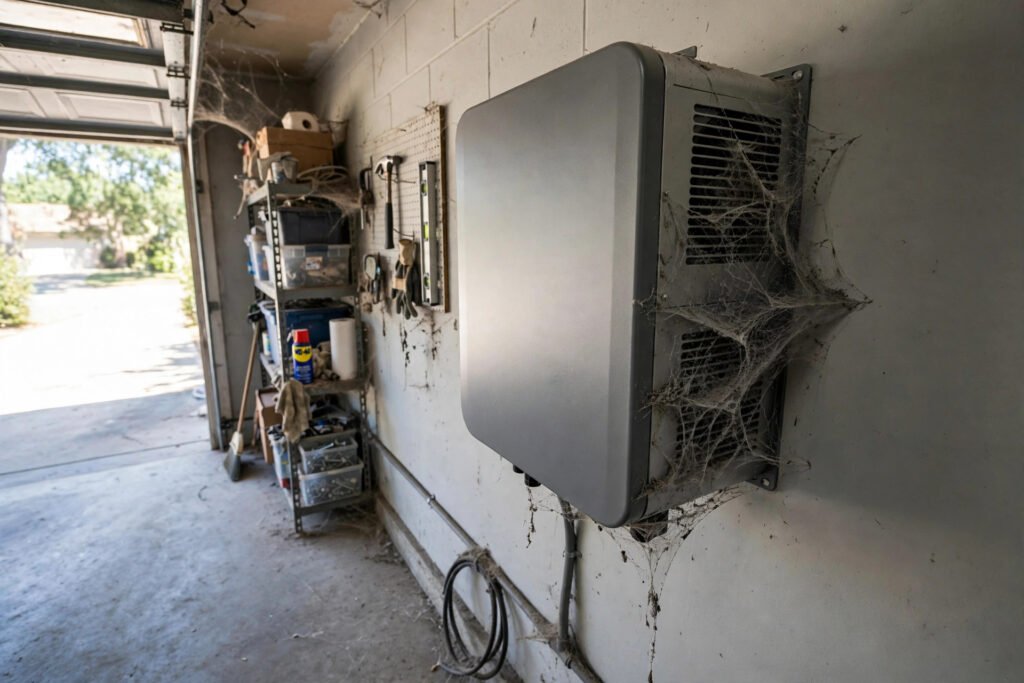
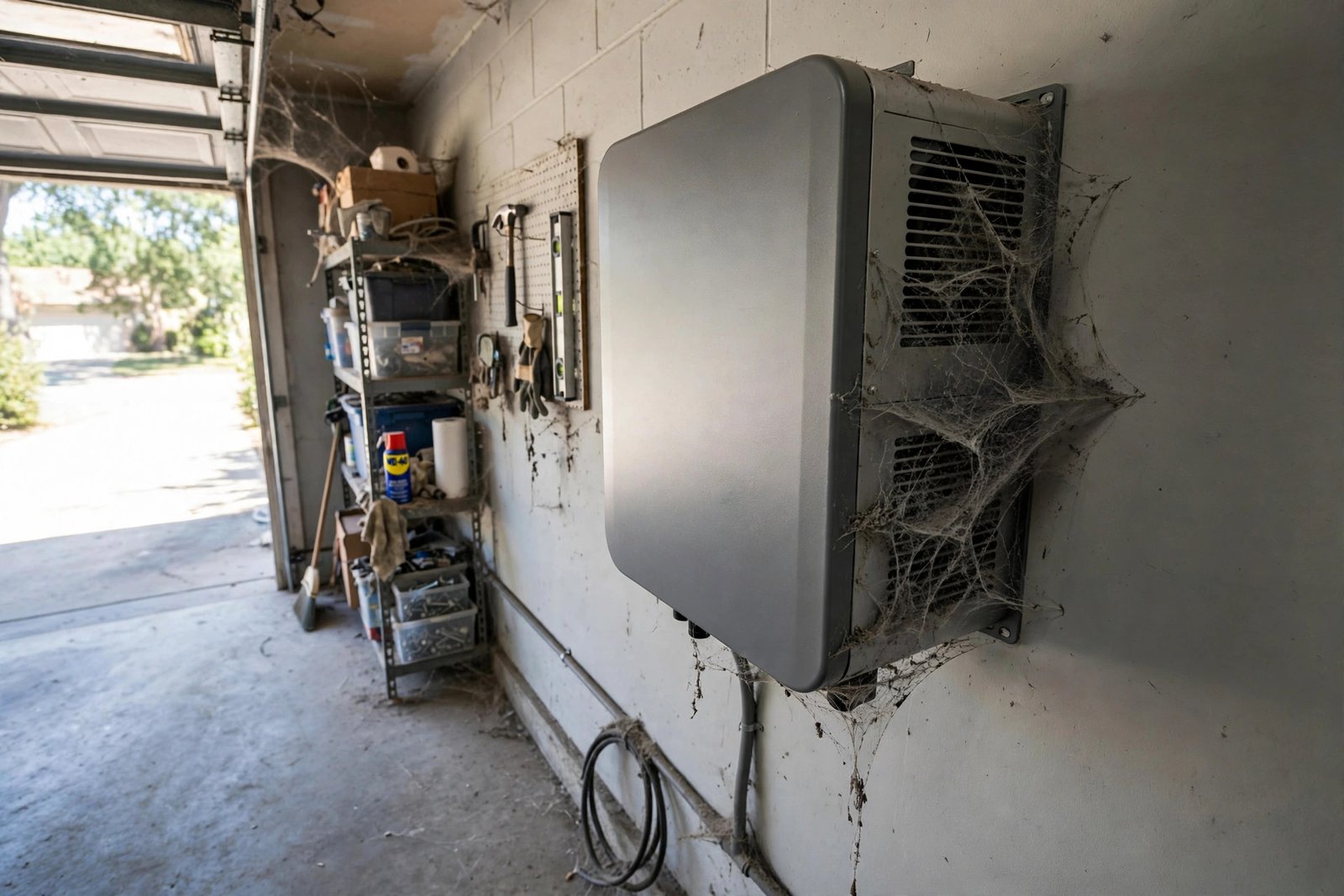
Dust is the number one cause. Over months and years, dust, cobwebs, insects and even leaves collect on the vents and inside the fan housing. The dust makes the fan work harder, unbalances the blades slightly, and restricts airflow — so the fan spins faster and louder to move the same amount of air.
Inverters in garages, workshops, farm buildings and dusty lofts suffer from this most. A fan that has gradually got louder over a year or two is very often just a dirty fan.
A worn fan bearing
Like any small motor, a cooling fan has bearings that wear out over time. The first sign is usually a change in the sound — a whine, a rattle or a rough grinding noise that gets worse over weeks.
A fan with a worn bearing may still spin, but it spins less freely, moves less air, and will eventually seize up completely. Age matters here: a fan that has been running for many summers is simply nearing the end of its life.
Hot weather and heavy load
Sometimes the fan is not faulty at all — it is just working hard. On the hottest days of summer, especially when the system is producing at full power and several heavy appliances are running, the fan may run at full speed for hours. The noise is louder simply because the fan is doing more.
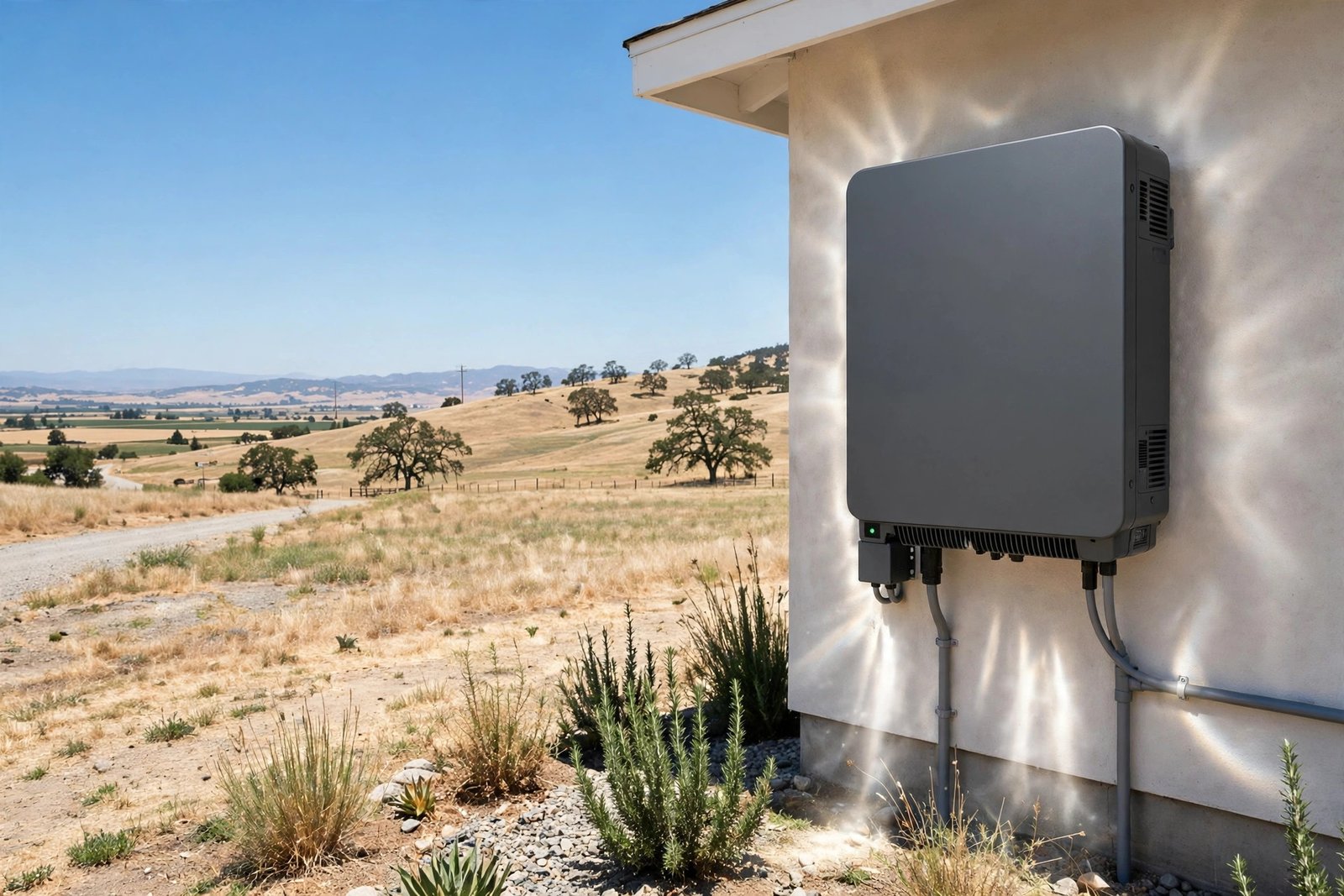
This is normal, but it is also a sign to check the ventilation around the inverter. If the room is hot and airless, or the inverter sits in direct sunlight, the fan has to work far harder than it was designed to. Our guide on summer heat and solar efficiency explains how to keep an inverter cool in hot weather.
Loose mounting or vibration
An inverter that is not firmly fixed to the wall can vibrate, and that vibration travels through the wall and sounds much louder than it is. Loose screws, a mounting bracket that has worked free, or a fan that has come slightly loose inside the case can all cause a rattling or buzzing noise.
If the noise changes when you gently press the case (do not open it, just touch the outside), vibration may be the cause — but leave the actual fixing to a technician.
A damaged or blocked fan blade
Occasionally a fan blade cracks, warps, or has something stuck against it — a dead insect, a piece of debris, or a cable that has shifted inside the case. The result is usually a rhythmic clicking or tapping sound, once per turn of the fan.
This is not something to fix yourself: the blade is inside the case, and opening the case is a job for a qualified technician.
When the Fan Has Stopped Running
A fan that has stopped is more serious than a noisy one, because the inverter is now cooling itself with far less airflow than it needs. On a mild day it may cope. On a hot, sunny day it will overheat — and an overheating inverter protects itself by shutting down.
If your inverter keeps tripping or shutting down on hot afternoons, a dead fan is one of the first things to suspect. See our guide on why a solar inverter keeps tripping or shutting down for the full list of causes.
How do you know the fan has stopped? On a bright day, when the system is producing well and the inverter case feels warm, hold a thin strip of tissue paper near the exhaust vent. If the fan is running, the paper will flutter. If it hangs still, the fan is not moving air.
You can also listen closely: a working fan produces a faint hum. Silence on a hot, busy day is suspicious. Do not put your fingers or any object into the vents to check.
A stopped fan can be caused by a seized bearing, a failed fan motor, a loose internal connection, or a fault in the inverter’s control board. All of these are internal faults. Do not open the case to look — call a technician.
Signs Your Inverter Is Overheating
Fan trouble and overheating go together, so watch for these warning signs alongside the noise:
- The inverter shuts down or reduces its output on hot afternoons, then restarts when it cools down.
- The case is too hot to touch comfortably.
- The display shows a temperature warning, an overheating message, or a fan fault code.
- Your monitoring app shows the inverter’s power output dropping sharply in the middle of a sunny day. Our guide on reading solar monitoring data shows what to look for.
- A burning smell, or the smell of hot plastic, near the inverter.
A burning smell is an emergency sign: switch the system off at the isolator and call a professional immediately. Do not restart it.
How to Diagnose the Problem Step by Step
Work through these steps in order. Write down what you find — the pattern is what a technician will need if you end up calling one.
- Listen and describe the noise. Is it a hum, a buzz, a rattle, a click or a grind? When did it start, and has it got worse? Does it change with the time of day or the weather?
- Check whether the fan is running. On a sunny day, listen closely and use the tissue-paper test near the exhaust vent. Note whether the fan runs, runs slowly, or does not run at all.
- Look at the vents. With the system switched off, look at the intake and exhaust vents from outside the case. Are they clogged with dust, cobwebs or insects? Is anything stored against them?
- Check the temperature and the display. Feel the case carefully — is it unusually hot? Write down any warning message or fault code on the display, and take a photo of it. Check your monitoring app for temperature or output drops.
- Note the conditions. Does the noise happen only on hot days, only at midday, or all the time? Does the inverter shut down at the same time as the noise gets loud?
- Check the room. Is the inverter in direct sunlight, in a hot loft, in a cupboard, or surrounded by stored boxes? Poor ventilation makes every fan problem worse.
- Check the firmware. Some inverter models have had fan-control problems fixed by a firmware update. Our guide on how to update solar inverter firmware explains how to check safely for your model.
Fixes You Can Safely Try Yourself
These are the safe fixes that solve many noisy-fan problems. Stop at any point if something smells of burning, looks damaged, or the inverter shuts down.
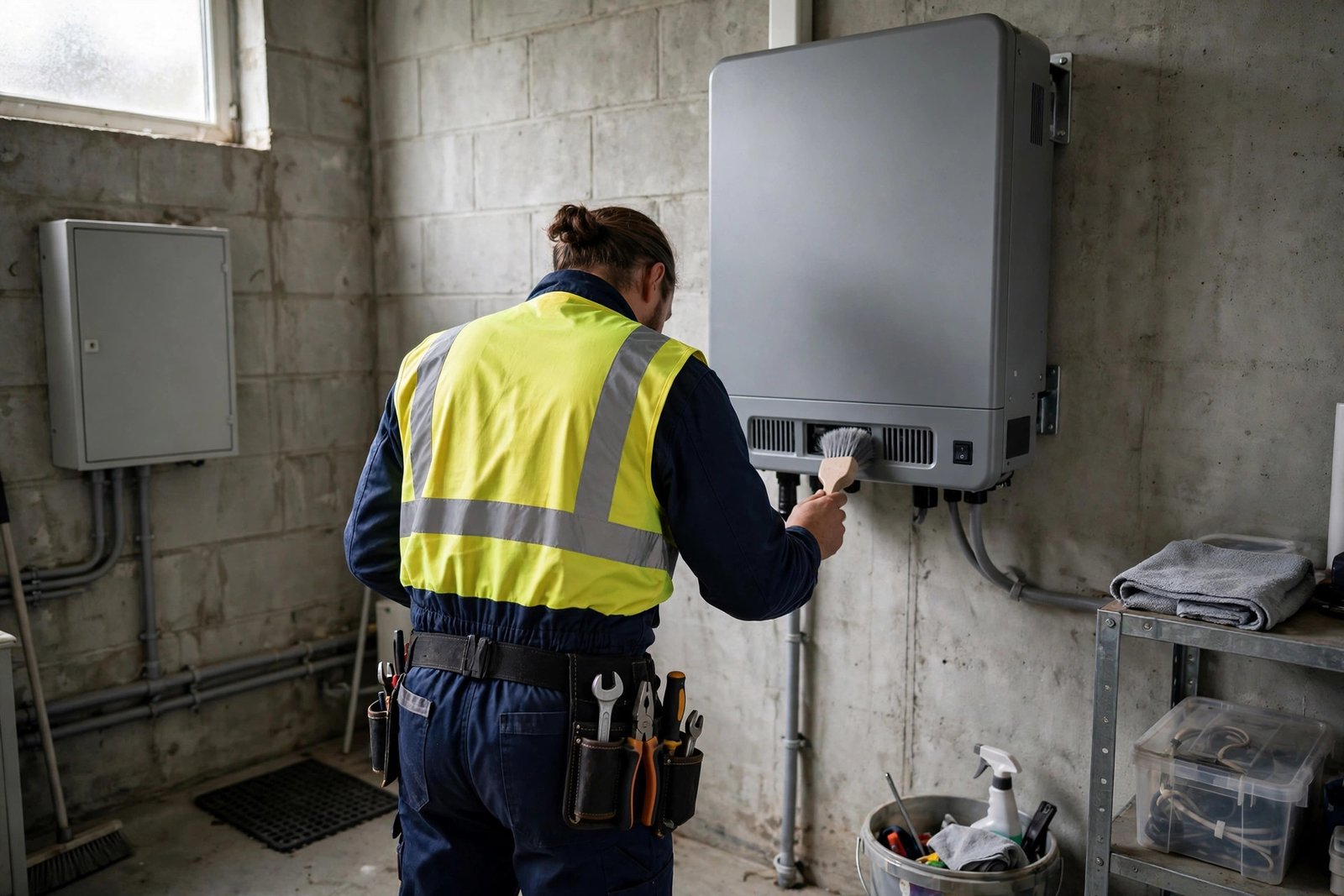
- Clean the vents. Switch the system off at the isolator and wait for the fan to stop completely. Then brush dust from the outside of the vents with a soft brush, or use a vacuum cleaner with a brush attachment held a short distance away. Never push anything into the vents, and never use water or compressed air.
- Clear the space around the inverter. Move stored items away so air can flow freely around the unit. Most manufacturers recommend clear space on all sides — check your manual for the exact distances.
- Shade an inverter in direct sun. If the inverter sits in strong sunlight, a simple shade or canopy above it (not touching it, and not blocking the vents) can lower its temperature noticeably.
- Improve room ventilation. Open a vent, a window or a door in the room where the inverter is mounted, especially in summer. A cooler room means a quieter fan.
- Reduce the load on hot days. If the fan is loudest when the system is working hardest, spread heavy appliances through the day so the inverter is not running at full power in the hottest hours.
- Restart once, properly. Switch the inverter off at its isolator, wait a full minute, then switch it back on. A single clean restart clears some temporary fan-control faults.
If the noise stays the same after cleaning and improving ventilation, the cause is probably inside the case — a worn bearing, a damaged blade, or a failing fan motor — and that is a technician’s job.
Can the Fan Be Replaced?
Yes — in most cases a cooling fan can be replaced, and it is usually far cheaper than replacing the whole inverter. But it is not a DIY job. The fan sits inside the inverter case, and opening the case means working near live parts that stay energised even when the display is off.
A qualified technician can fit a replacement fan, usually in a single visit, using the correct part for your exact inverter model.
A few things to know before you call:
- Check your warranty first. If the inverter is still under warranty, the manufacturer or your installer may cover the fan replacement — but only if the case has not been opened by anyone else. Opening it yourself usually voids the warranty.
- Ask for the right part. Fans are model-specific. Give the technician your inverter’s exact make and model so they can bring the correct replacement.
- Compare repair against replacement. On an inverter that is ten or more years old, a fan replacement may buy you a year or two, but other parts are ageing too. Our guide on the cost to replace a broken solar inverter can help you weigh the decision.
- Do not buy a generic fan online and fit it yourself. The wrong fan may move too little air, draw the wrong current, or not fit the mounting — and a poorly fitted fan can leave the inverter unprotected against overheating.
Preventing Fan Problems in the Future
A little regular care keeps the fan quiet and the inverter cool:
- Clean the vents twice a year — once before summer and once after. A soft brush with the system switched off is all it takes.
- Keep the area clear. Never store boxes, paint tins or tools against the inverter. Air needs to move around it.
- Choose a cool spot. If you are having a new system installed, or an inverter moved, ask for a shaded, well-ventilated location — not a hot loft or a sun-baked wall.
- Check the fan every summer. On the first really hot day of the year, listen to the fan and check that air is coming out of the exhaust vent. Catching a weak fan early is much cheaper than dealing with an overheating shutdown later.
- Watch your monitoring app. A slow fall in output on hot afternoons, or a rising inverter temperature, often shows up in the data before you hear anything wrong.
Safety Reminders
- Never open the inverter case. There are live parts inside even when the display is off, and opening it can void your warranty.
- Remember the DC side stays live. Solar panels produce voltage whenever light falls on them, even if the inverter is switched off. Never touch DC cables or connectors.
- Switch off before cleaning. Always switch the system off at the isolator and wait for the fan to stop before brushing the vents.
- Do not put fingers or tools into the vents. A spinning fan blade can cause a nasty injury, and a loose object inside the case can damage the inverter.
- Do not work on the system in wet conditions. Water and solar electrics are a dangerous combination.
- Trust your nose and eyes. A burning smell, smoke, scorch marks or melted plastic mean switch off at the isolator and call a professional immediately.
- Wear the right gear. If you are doing any visual checks, our guide on essential safety gear and tools for DIY solar owners covers the basics.
When to Call a Professional
Call a qualified solar technician or electrician if any of the following apply:
- The fan makes a grinding or screeching sound, or the noise is getting worse week by week.
- The fan has stopped running, or runs constantly even at night.
- The inverter keeps shutting down from overheating, even after you have cleaned the vents and improved ventilation.
- You smell burning, see smoke, scorch marks or melted parts.
- The display shows a fan fault, temperature warning or overheating message.
- The inverter is still under warranty — a professional visit keeps the warranty valid.
- You have tried the safe fixes above and the noise continues.
When you call, tell the technician what the noise sounds like, when it started, whether the fan is spinning, and what the display shows. That information often saves a return visit. If you are unsure whether a job is safe to do yourself, our guide on DIY solar repair vs hiring a pro explains where the line sits.
FAQs
Why is my solar inverter fan so loud all of a sudden?
A sudden increase in fan noise is usually caused by dust clogging the vents, a worn fan bearing, or much hotter weather making the fan work harder. Clean the vents with the system switched off and improve ventilation around the unit. If the noise stays loud, the fan itself may be wearing out and needs a technician to check it.
Is it normal for a solar inverter fan to run all the time?
Not usually. Most inverter fans only run when the inverter is working hard or the internal temperature rises — typically on bright, hot days. A fan that runs constantly, even at night or on cloudy days, may mean the inverter is overheating for another reason, or a temperature sensor is faulty. Have it checked by a technician.
Can I run my solar inverter if the fan has stopped working?
You can, but you should not rely on it. Without the fan, the inverter will overheat on hot, sunny days and shut itself down to protect itself — and repeated overheating can damage it permanently. Switch the system off at the isolator on very hot days and call a technician to replace the fan.
How often should I clean my inverter’s cooling fan vents?
At least twice a year — once before summer and once after. If your inverter is in a dusty garage, workshop or farm building, check the vents every few months. Always switch the system off first, and brush only the outside of the vents.
Can I replace a solar inverter fan myself?
No. The fan is inside the inverter case, and opening the case exposes live parts and usually voids your warranty. A qualified technician can replace the fan with the correct part for your model, usually in a single visit.
Why does my inverter fan make a rattling or clicking noise?
A rattling or clicking sound often means something is caught in the fan blades, a blade is damaged, or a bearing is wearing out. It can also be vibration from a loose mounting.
Do not open the case to look — call a technician, and note whether the sound is rhythmic (once per fan turn) or random, as that helps with the diagnosis.
Will a noisy fan damage my solar inverter?
A noisy fan is a warning, not damage in itself. But if the fan is failing, the inverter will run hotter than it should, and heat is what damages electronics over time.
Fixing a fan problem early — cleaning the vents or replacing a worn fan — is far cheaper than replacing an inverter that has been damaged by repeated overheating.
Conclusion
A noisy or failed inverter fan is one of the most common — and most fixable — solar problems. In most homes the cause is simple: dust in the vents, a hot room, or a fan that has worked hard for many summers.
Clean the vents, clear the space around the unit, and give it shade and airflow, and the noise often goes away on its own.
But a fan is also the inverter’s cooling system, so do not ignore it. A grinding noise, a fan that has stopped, or an inverter that keeps shutting down from overheating all mean the same thing: get a qualified technician to look at it.
A fan replacement is a small job compared with a new inverter — and catching it early is the difference between a quick repair and a costly failure.