
Quick answer: Vampire loads — also called standby power or phantom loads — are the small amounts of electricity your appliances use even when they look switched off. A television on standby, a game console in rest mode, a microwave clock, a printer waiting for a job and a phone charger left in the socket all draw power around the clock. On a solar home, that quiet drain comes straight out of your battery overnight, so you can wake up to a battery that is far lower than you expected. The fix is simple: find the worst offenders with a cheap plug-in power meter, then cut them off with a switched power strip, a smart plug or a timer. Most homes can save a meaningful chunk of their overnight battery use this way, without giving up any appliance they actually use.
Table of Contents
- What Are Vampire Loads?
- Why Vampire Loads Hurt Solar Homes More
- The Worst Offenders in a Typical Home
- How to Find Your Vampire Loads
- Measure Them with a Plug-In Power Meter
- How to Stop Vampire Loads: 7 Practical Fixes
- What You Should Never Switch Off
- How Much Battery and Money Can You Actually Save?
- Safety Reminders
- When to Call a Professional
- FAQs
- Conclusion
What Are Vampire Loads?
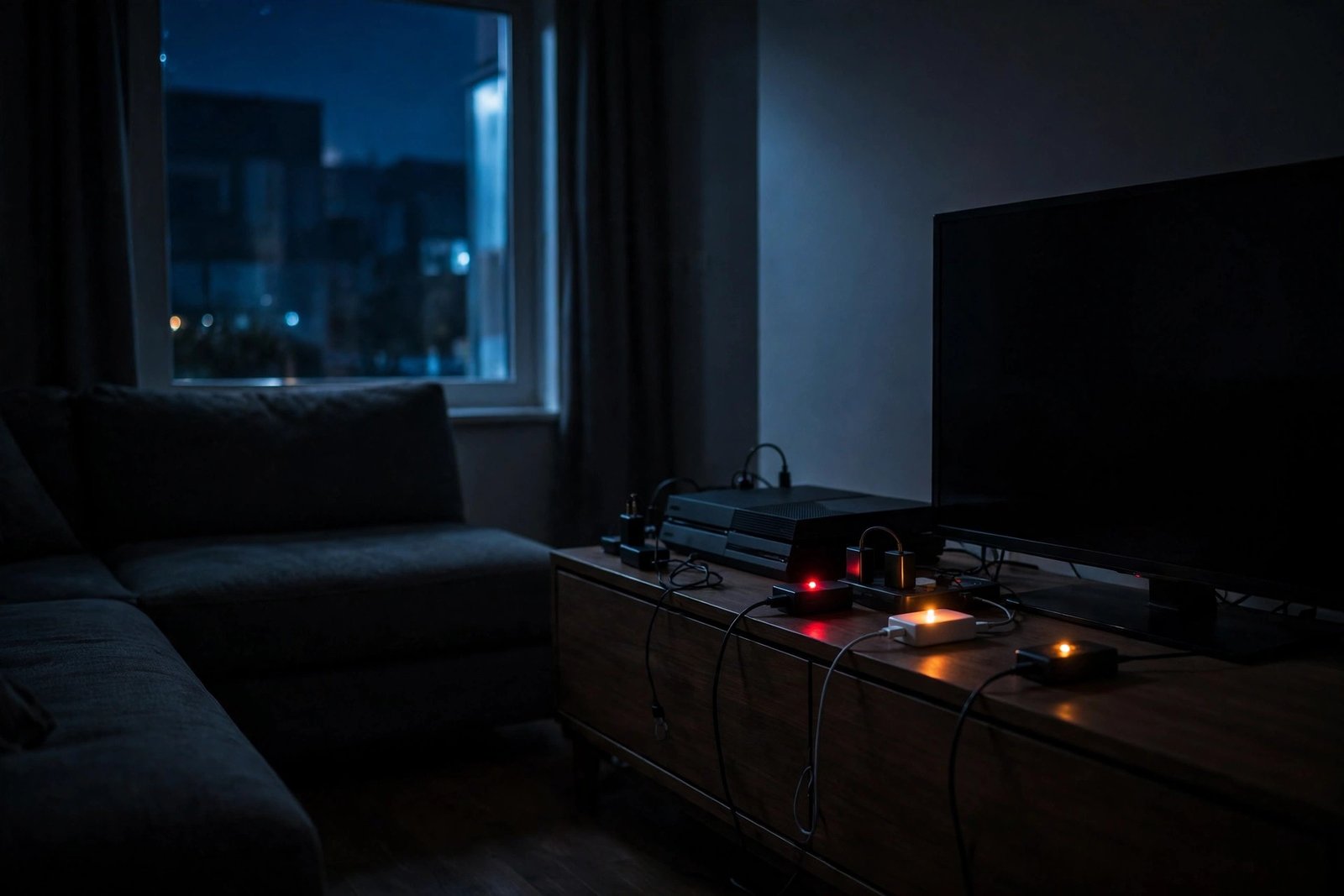
A vampire load is electricity used by a device that is not doing its main job. The television is off, but its red standby light is on and it is listening for the remote. The game console is in rest mode, downloading updates. The microwave is not cooking anything, but its clock is lit. The printer is asleep, but ready to wake the moment you send a print job. None of these devices is “on” in the normal sense, yet each one draws a small, steady amount of power — often between 1 and 20 watts — 24 hours a day.
The name comes from the idea that these devices quietly “suck” power while you are not looking. Individually, a few watts sounds like nothing. Added together across a whole house, it becomes a constant load that never stops. A home with 40 watts of standby draw uses almost 1 kilowatt-hour every day doing nothing at all. Over a month, that is roughly 30 kilowatt-hours — energy your solar panels had to generate and your battery had to store, all for devices that were supposedly off.
Modern appliances are better than old ones. Energy rules in the USA and the UK now limit standby power on many new products, so a new television may draw less than 1 watt on standby. But most homes still have a mix of old and new devices, and some categories — game consoles in rest mode, set-top boxes, older printers, audio receivers, and anything with a remote control — are still heavy standby users. The only way to know your own home’s number is to measure it.
Why Vampire Loads Hurt Solar Homes More
On a grid-connected home without solar, standby power is mostly a money problem: it adds a little to the electricity bill each month. On a solar home with a battery, it is also a battery problem — and that makes it worse in three ways.
First, the drain happens at night, when your panels produce nothing. Every watt of standby load between sunset and sunrise comes out of the battery. A 40-watt standby load over a 12-hour night uses about 480 watt-hours — a noticeable share of a small home battery’s usable capacity. That is energy you will not have for lights, the fridge or the television in the evening, and it can be the difference between a battery that lasts until morning and one that runs flat at 2am.
Second, a battery that is drained deeper every night wears out faster. Lead-acid batteries in particular last longer when they are not deeply discharged every day, and even lithium batteries lose a little life with every extra cycle. Vampire loads add a slow, daily deepening of the discharge that you never notice — until the battery needs replacing sooner than it should. For more on keeping a lead-acid battery healthy, see our guide on equalization charging for lead-acid solar batteries.
Third, standby loads confuse your picture of the system. If your monitoring app shows the battery dropping overnight even though “nothing was on”, you may suspect a faulty battery or a bad inverter. In many cases, the battery is fine — the house simply never stopped using power. Finding and cutting vampire loads is one of the cheapest diagnostics you can do before calling a technician. If you are also trying to stretch your battery through the night, read our guide on how to use solar power at night without draining your battery.
The Worst Offenders in a Typical Home
Not every standby device matters equally. A few categories cause most of the drain. Walk through your home with this list and count how many of each you have.
Game consoles in rest mode
A modern game console in rest mode can draw 10 to 20 watts or more, because it keeps its network connection alive, downloads updates and charges controllers. That is often the single biggest vampire load in a home. Fully switching a console off, instead of leaving it in rest mode, usually cuts that draw to under 1 watt.
Set-top boxes and streaming devices
Cable and satellite boxes are notorious standby users. Some older boxes draw 15 to 25 watts even when “off”, because they stay ready to record programmes and update their guide. Streaming sticks are usually much better, often under 1 watt, but a box that also powers a hard drive for recordings is worth checking.
Televisions and sound systems
A modern television on standby typically draws under 1 watt, but an older television, a soundbar or an audio receiver can draw several watts each. A home cinema setup — television, receiver, subwoofer, streaming box — can easily total 10 to 15 watts on standby.
Computers, monitors and printers
A desktop computer left in sleep mode, a monitor on standby, a printer waiting for a job and a laptop charger left plugged in all add up. A printer in particular can draw several watts around the clock for no reason. Laptops are usually fine once charged, but the charger itself can draw a small amount when left in the socket with nothing attached.
Kitchen and laundry appliances
Microwaves, ovens, coffee machines, washing machines and dishwashers all have clocks, displays or control boards that draw a watt or two each. Individually they are small, but a kitchen can easily hold 5 to 10 watts of standby load. Older appliances with bright displays are usually the worst.
The hidden ones
Some vampire loads are easy to miss: the garage door opener, the doorbell transformer, the security camera system, the Wi-Fi router and modem (which you usually want to keep on), the smart speaker, the electric toothbrush charger, and the power tool charger on the workbench. None of these is large alone, but together they form the background drain that never stops.
How to Find Your Vampire Loads
You do not need special skills to find standby loads. Start with a simple night-time walk around the house, and you will spot most of them.
Step 1: The lights test
Wait until it is dark, switch off the lights, and walk through every room. Look for any small glowing light: red standby dots on the television, the clock on the microwave, the display on the oven, the charging light on a toothbrush, the glow of a router. Every light you see is a device using power. Make a list of them.
Step 2: The warm plug test
Touch the plugs and power bricks of devices that are supposedly off. A plug that feels warm is drawing power. Phone chargers, laptop chargers and game console power bricks are often slightly warm even when nothing is connected to them.
Step 3: The meter test
If your home has a smart meter or your solar monitoring app shows live power use, look at the reading late at night when everything is “off”. If the house is drawing 40, 60 or 100 watts with nothing running, that is your vampire load. Note the number, then switch things off one group at a time — the television corner, the office desk, the kitchen — and watch the number fall. Whatever makes the biggest drop is your biggest offender.
Step 4: List and rank
Write down every standby device you found and, if you can, how many watts each one draws (the next section explains how to measure). Rank them from biggest to smallest. You only need to fix the top few to get most of the saving — chasing the last half-watt is not worth the effort.
Measure Them with a Plug-In Power Meter
Guessing is not enough. A plug-in power meter is a small device that sits between the wall socket and the appliance plug. It shows, in real time, how many watts the appliance is drawing. They cost roughly the price of a takeaway meal, are sold at hardware and electronics shops in the USA and the UK, and need no wiring or tools.
How to use one
- Plug the meter into the wall socket, then plug the appliance into the meter.
- Switch the appliance off with its remote or power button — the way you normally leave it — and read the watts on the meter. That is the standby draw.
- Leave it connected for 24 hours if the meter has a total-energy mode. It will show how many watt-hours the device used in a day, which is a better number than a single instant reading.
- Test each suspect device the same way, and write the results down.
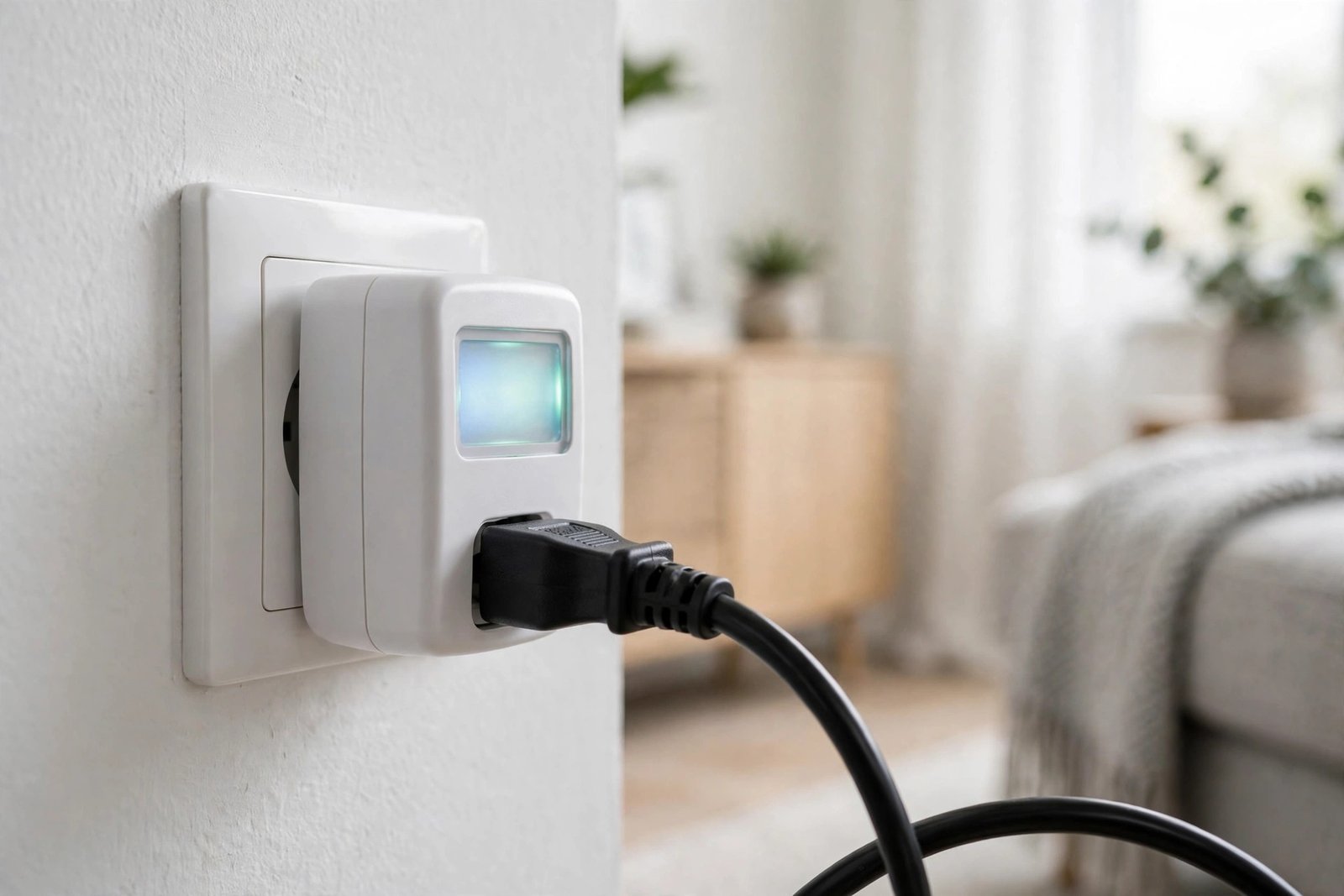
Some smart plugs also measure power use, and they can do the same job if you already own them. A smart plug with energy monitoring lets you check standby draw from your phone, and — usefully — lets you switch the device off completely from the same app.
One warning: never open an appliance or touch internal wiring to measure power. A plug-in meter is safe because it works from the outside. If a device has a damaged plug, a frayed cable or a cracked case, do not test it — have it checked or replaced first.
How to Stop Vampire Loads: 7 Practical Fixes
Once you know where the power is going, the fixes are mostly cheap and take minutes. Start with the biggest offenders and work down the list.
1. Use a switched power strip
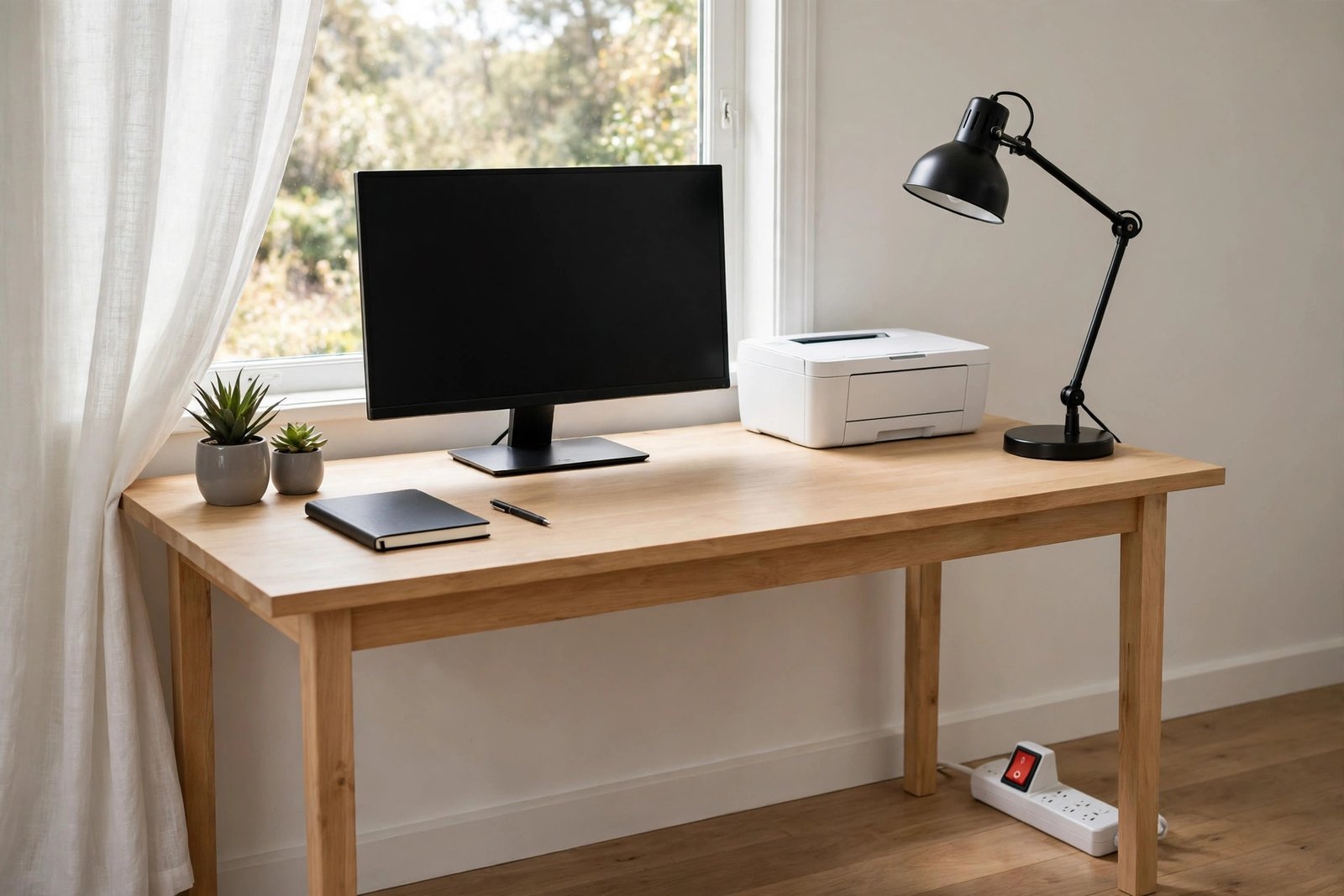
This is the single best fix for most homes. Plug the television, game console, streaming box and soundbar into one power strip with its own switch. When you finish watching, switch the whole strip off at the wall. One switch cuts every standby load in the entertainment corner to zero. Do the same for the home office: computer, monitor, printer and speakers on one strip, switched off at night.
2. Fully switch off the game console
Change the console’s power setting from rest mode to full shutdown, or switch it off at the strip. Rest mode is convenient for downloads and quick starts, but it is the most expensive standby habit in most homes. If you want overnight updates, let the console update once a week and fully switch it off the other nights.
3. Use smart plugs for hard-to-reach sockets
For devices behind furniture or in the kitchen, a smart plug lets you cut power from your phone or on a schedule. Set the plug to switch off the printer, the coffee machine or the television corner at midnight and back on at 7am. Smart plugs cost little, and the energy-monitoring type also tells you how much you saved.
4. Put timers on predictable devices
A simple plug-in timer works well for devices that only need power at certain times: the printer, the fish tank light, the towel warmer, the outdoor lights. Set the timer to cut power overnight and restore it in the morning. Timers are cheap, need no Wi-Fi, and work even during a power cut in the sense that they simply stay in their last state.
5. Unplug chargers when nothing is charging
Phone, laptop and power-tool chargers draw a small amount even with nothing attached. Unplugging them when not in use is free and takes seconds. Keep chargers in one place — a charging station on a switched strip — so switching them all off is one action instead of five.
6. Choose low-standby replacements
When an old appliance finally needs replacing, check its standby power in the specifications or the energy label. Modern televisions, washing machines and set-top boxes are far better than models from ten years ago. Replacing a single 20-watt standby box with a 1-watt one saves more in a year than the effort of unplugging a dozen small devices.
7. Make it a habit, not a chore
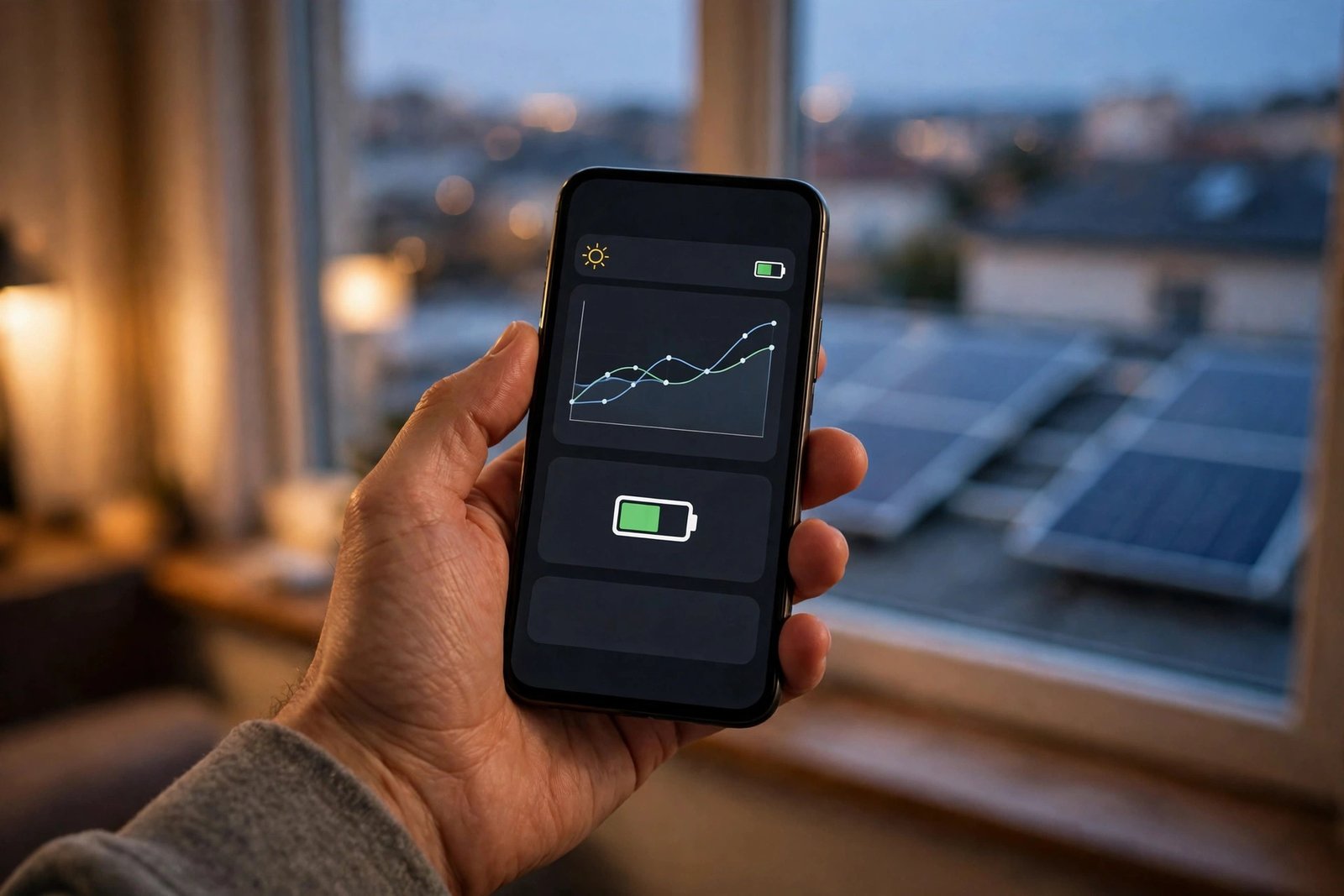
The fix only works if it happens every night. Put the power strip switch somewhere easy to reach. Tie it to something you already do — switching off the living room lights, or locking the front door. After a week it becomes automatic, and the battery will show the difference on your monitoring app.
What You Should Never Switch Off
Not everything with a standby light should be cut off. Some devices need continuous power to work properly or safely, and switching them off can cause more harm than the power they save.
- Your Wi-Fi router and modem: keep these on. Switching them off every night saves little and breaks smart home devices, security cameras and overnight updates. If you must, use the router’s own schedule feature rather than cutting its power.
- The fridge and freezer: never switch these off. The food inside will spoil, and the energy used to cool them down again is more than you saved.
- Medical devices: anything that supports health — a CPAP machine, an oxygen concentrator, a powered wheelchair charger — stays on. Do not put medical equipment on a switched strip.
- Security systems and cameras: alarms, cameras and smart doorbells need power to protect the home. Leave them running.
- The solar inverter and battery system itself: never switch off your inverter, charge controller or battery to “save power”. The system needs its own small standby draw to monitor the battery, and switching it off can leave the battery unprotected.
- Devices with scheduled recordings: if your set-top box records programmes overnight, cutting its power will lose the recordings. Either accept its standby draw or change the recording schedule.
- Smart home hubs: the hub that controls your lights and heating needs to stay on, or the rest of the system stops working.
If you are unsure whether a device is safe to switch off, check its manual or ask the manufacturer. When in doubt, leave it on — the saving from one uncertain device is never worth damaging it.
How Much Battery and Money Can You Actually Save?
It helps to work through a realistic example. Imagine a home with 50 watts of standby load — a game console in rest mode, a set-top box, a television corner, a printer and a few chargers. Over 24 hours, 50 watts uses 1.2 kilowatt-hours. Over a month, that is about 36 kilowatt-hours.
At night, the same 50 watts over 12 hours uses 600 watt-hours from the battery. On a battery with 5 kilowatt-hours of usable capacity, that is 12% of the battery gone before morning — spent on devices nobody was using. Cutting the standby load in half frees roughly 6% of the battery every night, which can be the margin that keeps the lights on until sunrise.
In money terms, the saving depends on your electricity price and whether you buy power from the grid. At a typical US price, 36 kilowatt-hours a month is a few dollars. In the UK, where prices are higher, it is more. The saving alone will not pay for a new battery, but combined with the longer battery life and the extra overnight capacity, it is one of the best returns on a few dollars of power strips. For more ways to cut what you buy from the grid, see our guide on how to reduce your electricity bill with solar and our advice on the best times to run heavy appliances on solar power.
Safety Reminders
- Never open an appliance, a power strip or a wall socket to measure or fix standby power. Use a plug-in meter from the outside only.
- Do not overload a power strip. Add up the wattage of everything plugged into it and stay well below its rated limit. Never plug one power strip into another.
- Check power strips and plugs regularly for heat, damage or a burning smell. Replace any strip that feels hot, has a cracked case or a loose socket.
- Keep power strips off the floor where they can get wet, and away from curtains, bedding and heaters.
- Do not switch off anything you are unsure about. If a device’s manual says it must stay powered, leave it powered.
- If you find a plug, cable or socket that is damaged, scorched or buzzing, stop using it and have a qualified electrician look at it.
When to Call a Professional
Cutting vampire loads is a safe DIY job — it involves plugs and switches, not wiring. But some situations need a qualified electrician or solar technician:
- Your monitoring app still shows a large overnight drain after you have switched off every standby device you can find. That can point to a faulty inverter, a battery problem or a wiring fault, and it needs professional testing.
- You find a socket, plug or cable that is hot, scorched, buzzing or sparking. Stop using it and call an electrician.
- You want a hard-wired solution, such as a contactor that cuts power to a whole circuit at night. That is electrical work and must be done by a qualified electrician.
- Your battery is still running flat before morning even after the standby loads are gone. The battery may be undersized, ageing or faulty — a solar technician can test its capacity and advise whether it needs replacing. Our guide on lead-acid solar battery water levels covers one common cause of lost capacity.
- You are unsure whether a device is safe to switch off, or you have medical or safety-critical equipment on the same circuit.
A professional can also check whether your inverter has a low-power or eco mode that reduces its own overnight draw — a setting many owners never know exists. If you are not sure what you can safely do yourself, our guide on DIY solar repair versus hiring a pro explains where the line sits.
FAQs
What is a vampire load?
A vampire load, also called standby power or a phantom load, is the electricity an appliance uses when it looks switched off but is still drawing power — for a standby light, a clock, a remote-control sensor or a network connection. It is measured in watts and it runs 24 hours a day.
How much power do vampire loads use in a typical home?
It varies a lot, but many homes have 30 to 60 watts of standby load, which is roughly 0.7 to 1.4 kilowatt-hours a day. Homes with a game console in rest mode and an older set-top box can be much higher. The only accurate way to know your number is to measure it with a plug-in power meter or check your overnight reading on a smart meter.
Do vampire loads really drain a solar battery?
Yes. At night your panels produce nothing, so every watt of standby load comes out of the battery. A 50-watt standby load over a 12-hour night uses about 600 watt-hours — a real share of a small home battery. Cutting standby loads is one of the cheapest ways to make a battery last until morning.
Is it safe to switch off my television and game console at the wall?
For most modern televisions and consoles, yes — they are designed to be switched off at the mains. Use the console’s full shutdown option rather than rest mode, and let it finish any update before you cut the power. If a device’s manual says it must stay powered, follow the manual.
Should I switch off my Wi-Fi router at night to save power?
Usually no. A router uses only a few watts, and switching it off breaks smart home devices, security cameras and overnight updates. The saving is small and the inconvenience is large. Spend the effort on the game console, the set-top box and the entertainment corner instead.
Do smart plugs use power themselves?
Yes, a smart plug draws about 1 watt to keep its own Wi-Fi connection alive. That is still a good trade when it switches off a device drawing 10 or 20 watts — but it is not worth putting a smart plug on a device that only draws 1 watt on standby. Use switched strips for the small ones.
Will cutting vampire loads make my battery last longer?
It will help. A battery that is discharged less deeply every night goes through less wear, and lead-acid batteries in particular last longer when they are not deeply discharged daily. It will not fix a battery that is already worn out or too small, but it removes a daily drain that was shortening its life for no benefit.
Conclusion
Vampire loads are the easiest energy waste in a solar home to find and the cheapest to fix. A few watts here and a few watts there add up to a constant drain that works all night, while your panels sleep and your battery pays the bill. A short walk around the house at night, a cheap plug-in meter and a couple of switched power strips are all it takes to find the worst offenders and cut them off.
Start with the big ones — the game console in rest mode, the old set-top box, the entertainment corner and the home office — and leave the essentials alone: the fridge, the router, the security system and the solar equipment itself. Check your monitoring app a few nights later and you should see a flatter overnight line and a battery that holds more charge until morning. It will not solve every battery problem, but it is a genuine, measurable improvement that costs almost nothing — and it is the right first step before spending money on a bigger battery or calling a technician.