
Quick answer: To safely reset a solar inverter, switch off the AC breaker first, then the DC isolator, wait at least 5 minutes, then switch the DC isolator back on first, followed by the AC breaker. Give the inverter a few minutes to run through its start-up checks — it should show a green light or a normal reading on the display. Only reset an inverter for a clear reason, such as a one-off fault, a brief grid outage, or a frozen display. Never reset an inverter repeatedly, and never touch damaged wiring or a unit that smells of burning.
Table of Contents
- What a Reset Actually Does
- When a Reset Is Worth Trying
- When You Should NOT Reset
- Safety First: Read This Before You Touch Anything
- How to Safely Reset Your Solar Inverter Step-by-Step
- What to Check After the Reset
- What If the Inverter Keeps Tripping After a Reset?
- When to Call a Professional
- FAQs
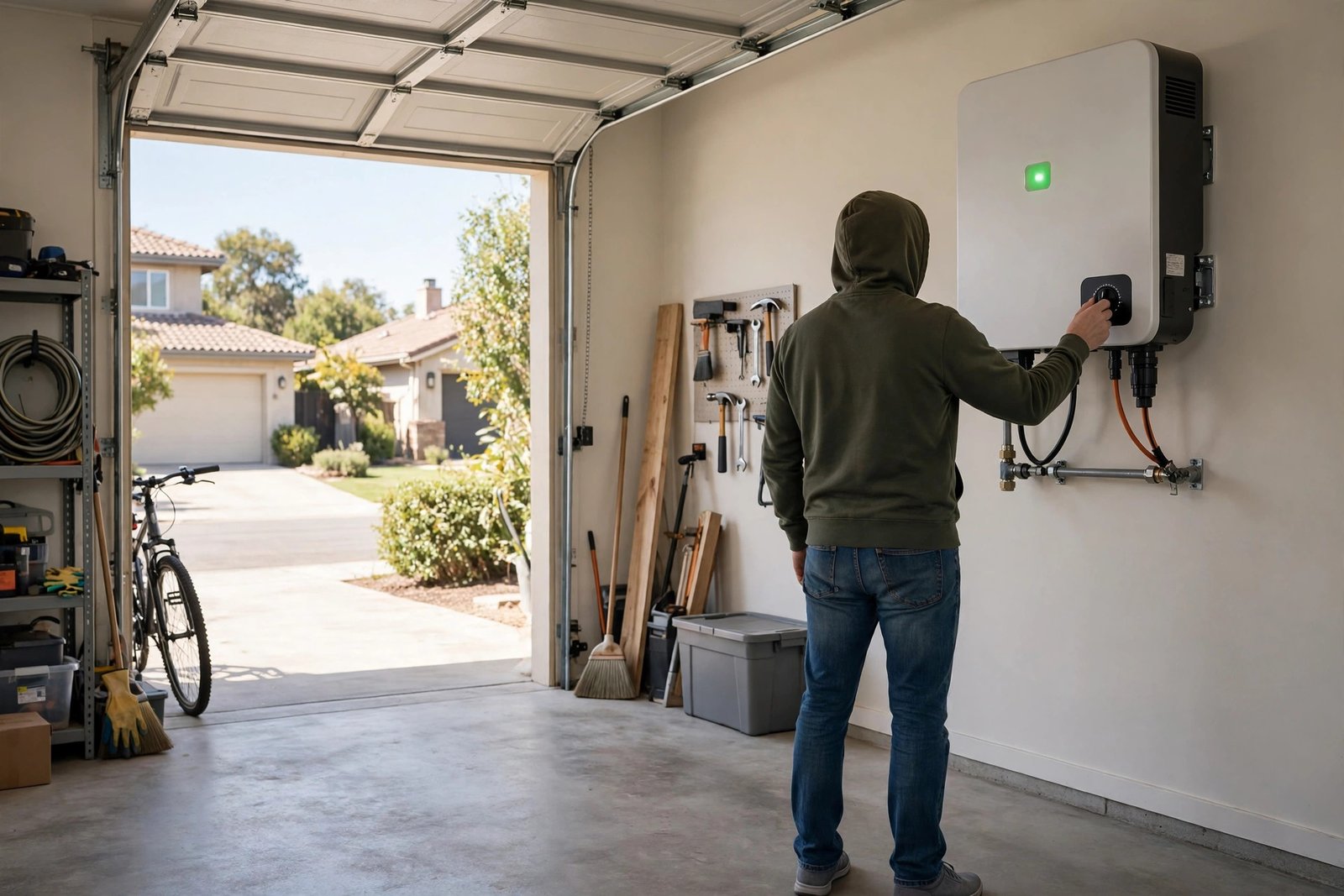
What a Reset Actually Does
A reset — also called a power cycle — fully switches your solar inverter off and back on again. It clears temporary software glitches and lets the inverter re-check the grid and the solar panels from scratch.
Your inverter converts the direct current (DC) from your solar panels into the alternating current (AC) your home uses. It runs constant safety checks on grid voltage, panel voltage, temperature and insulation. When something falls outside its safe limits, it shuts down and may show a fault code or a red light on your solar inverter. A reset gives it a clean start — but it does not repair a real fault. If the underlying problem is still there, the fault will come straight back, so a reset is a diagnostic step, not a repair.
When a Reset Is Worth Trying
A reset is reasonable in these situations:
- After a short grid outage or power cut: the inverter may not have reconnected cleanly when the grid came back.
- A one-off fault code: a single fault during a storm, a voltage spike, or a very hot day that has not repeated.
- A frozen or blank display: the inverter seems to be producing nothing, but the panels, switches and breakers all look normal.
- After maintenance work: your installer or electrician may ask you to restart the system after a meter change or grid work.
- After the monitoring app shows the system offline: a restart can restore the inverter’s connection to Wi-Fi or the monitoring portal.
If your inverter has shown the same fault before, read our guide on understanding your inverter’s error codes before you reset — the code tells you whether a reset is safe or pointless.
When You Should NOT Reset
Do not reset your inverter in these situations:
- You can see or smell damage: burn marks, melted plastic, a burning smell, buzzing, or smoke. Switch the system off from a safe distance and call a professional.
- An isolation or ground fault is showing: this can mean damaged wiring or water in a component. Resetting repeatedly can mask a safety problem.
- There is water on or inside the inverter: after a flood or a serious leak, do not touch the unit at all.
- Wiring looks loose, burnt or exposed: never touch damaged solar wiring — DC current from panels can be dangerous even in daylight.
- The fault returns immediately every time: the system is telling you something is wrong. Further resets will not help.
- You are unsure which switch is which: if you cannot confidently identify the AC breaker and the DC isolator, stop and call your installer.
Safety First: Read This Before You Touch Anything
Solar systems carry dangerous voltages. Your panels produce DC electricity whenever there is daylight on them — even on a cloudy day — and the inverter connects to your home’s mains supply.
- Do the reset in daylight if you can: you need to see the switches and the display clearly. Early morning or late afternoon is ideal.
- Keep your hands dry and stand on a dry surface. Never work on the system in the rain.
- Do not open the inverter cover or touch any internal parts. A homeowner reset only ever involves the external switches.
- Do not touch the DC cables or connectors at the bottom of the inverter.
- If a switch feels hot, stiff, or sparks, stop immediately and call a qualified electrician or solar technician.
How to Safely Reset Your Solar Inverter Step-by-Step
Every inverter is slightly different, so check your own manual for the exact switch locations. The general procedure below applies to most grid-connected home systems. The order matters: always switch the AC side off first and on last.
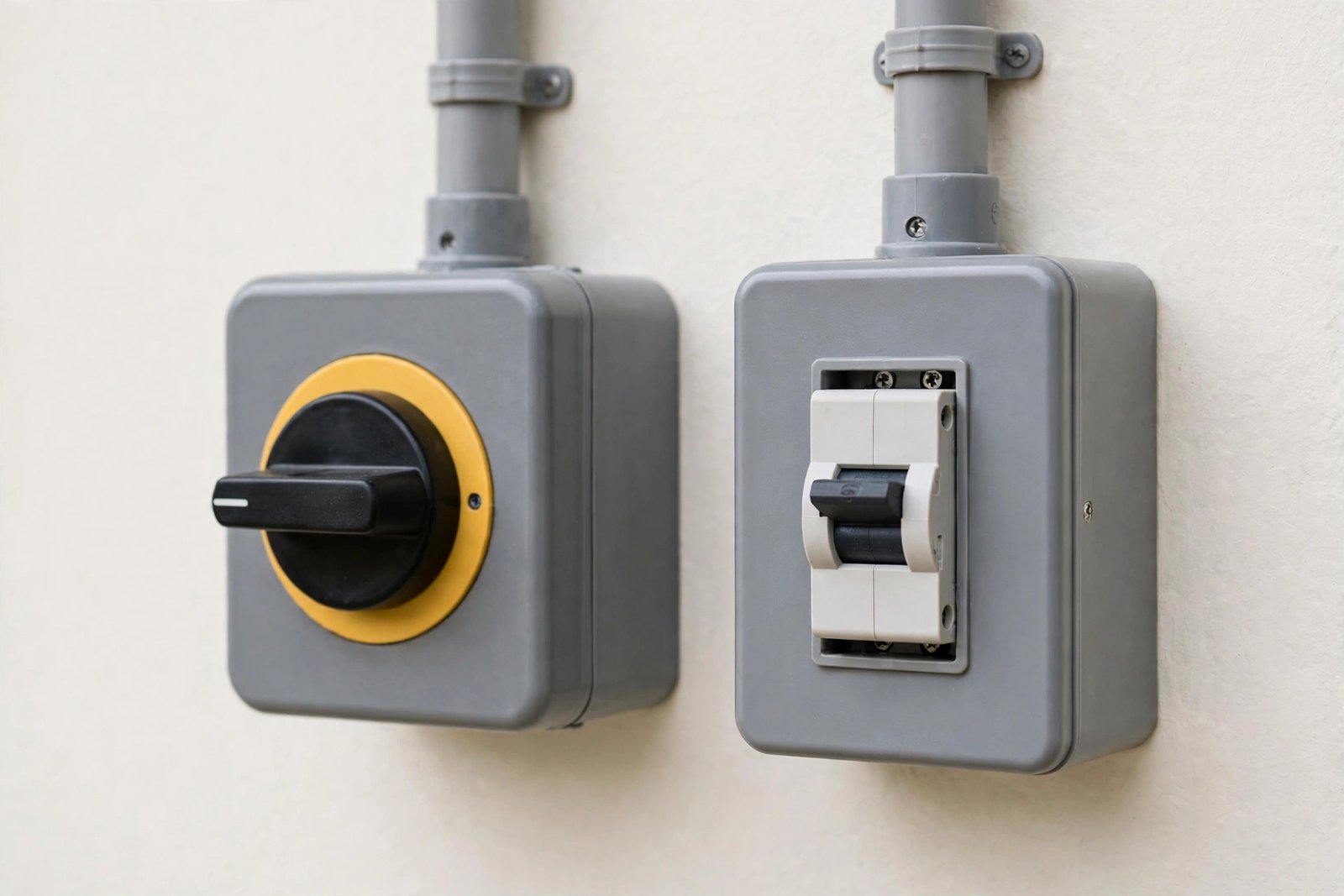
Step 1: Find the Switches
Locate the two switches that control your inverter. The AC breaker (sometimes labelled “AC isolator” or “solar supply main switch”) is usually in your main consumer unit or in a small breaker box near the inverter. The DC isolator is a rotary switch mounted on the wall next to the inverter, or built into the inverter itself. Identify both before touching either one.
Step 2: Switch Off the AC Breaker
Turn the AC breaker to the OFF position. This disconnects the inverter from your home’s mains supply and the grid.
Step 3: Switch Off the DC Isolator
Turn the DC isolator to the OFF position. This disconnects the solar panels from the inverter. The inverter should now be completely powered down: no lights, no display, no fan noise.
Step 4: Wait at Least 5 Minutes
Leave the inverter switched off for at least 5 minutes. This waiting time matters: it lets the inverter’s internal capacitors fully discharge and clears any temporary fault state. Switching it back on after only a few seconds often achieves nothing.
Step 5: Switch the DC Isolator Back On
Turn the DC isolator back to the ON position. The inverter should wake up as the panels supply DC power — the display may light up or you may hear a quiet click or fan start. Do not be alarmed if it shows a “waiting” or “checking” message: it is running its start-up safety checks.
Step 6: Switch the AC Breaker Back On
Turn the AC breaker back to the ON position. This reconnects the inverter to the grid, and it will take 30 seconds to a few minutes to synchronise.
Step 7: Confirm Normal Operation
Wait 5 to 10 minutes, then check the display or your monitoring app. A healthy inverter shows a green light, a positive power reading in watts, and no fault code.
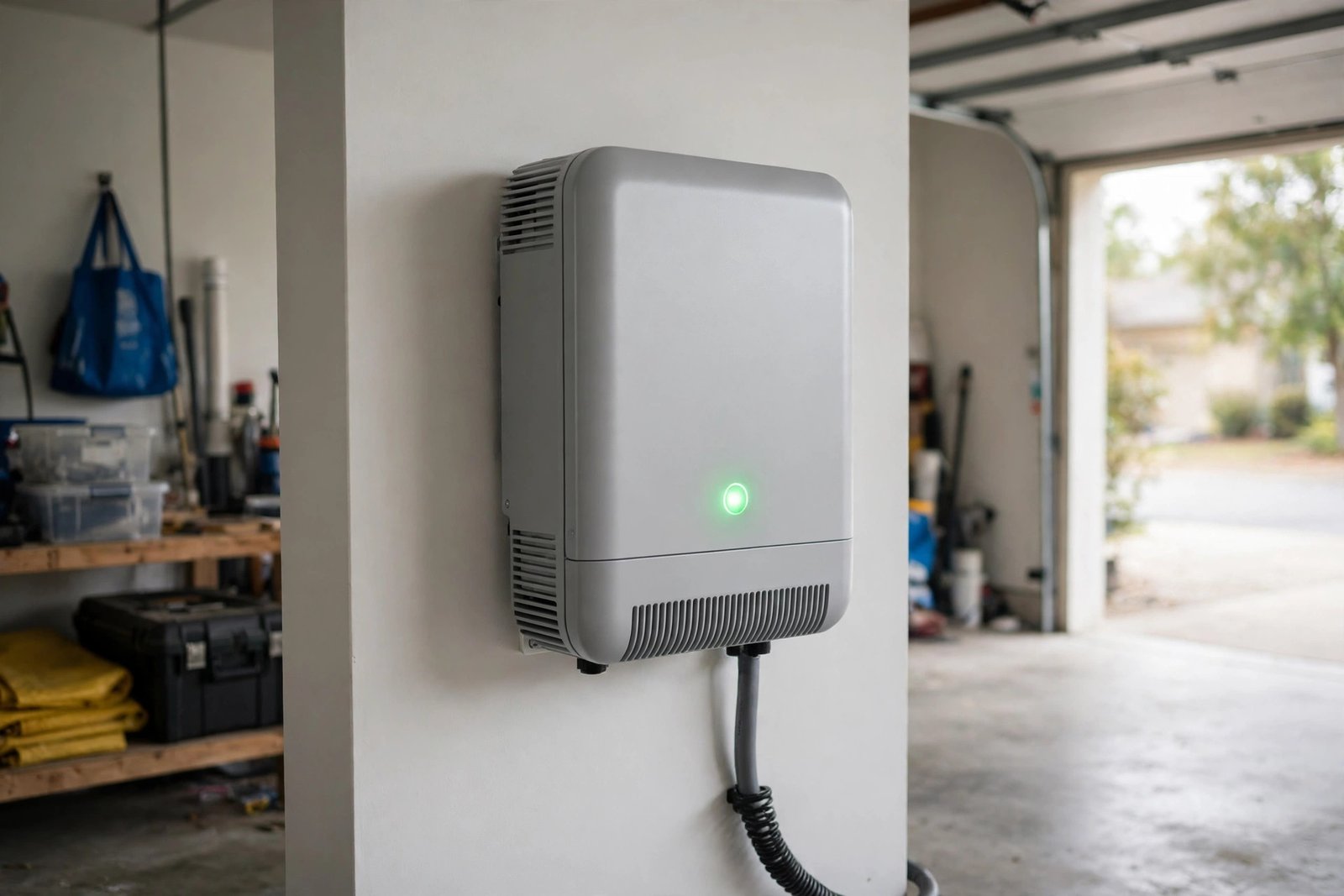
What to Check After the Reset
- Status light: green or “normal” means the inverter is running; red or flashing amber means a fault is still present.
- Power output: on a sunny day the reading should climb into the hundreds or thousands of watts. Zero watts at midday is a problem.
- Fault codes: note any code that reappears, exactly as shown, with the date and time.
- Monitoring app: confirm the system is back online and reporting data; it can take up to 15 minutes for the app to update.
- Breakers: if a breaker trips again shortly after the reset, leave it off and call a professional.
What If the Inverter Keeps Tripping After a Reset?
If the same fault comes back within hours or days of a reset, the reset is not the fix — something else is wrong. The usual causes are a real wiring or insulation fault, grid voltage problems in your area (often around midday when many homes export solar power), overheating because the inverter is in direct sun or its vents are blocked, or a failing component inside the inverter or a faulty isolator switch.
If your inverter will not turn on at all, even after a correct reset, work through the checks in that guide, then call a professional. Do not reset the inverter more than once or twice for the same fault — each failed reset is information: it tells you the fault is real and needs diagnosis, not repetition.
When to Call a Professional
Call a qualified solar technician or electrician if the fault returns after one or two careful resets, if you see an isolation or ground fault code, if there is any sign of burning, melting, water damage or damaged wiring, if a breaker trips repeatedly, if the inverter makes unusual noises or the casing feels very hot, if the system is still under warranty — unauthorised work can void it — or if you are not confident about which switch is which.
A professional has the test equipment to measure insulation, voltages and earth connections safely, and can tell the difference between a grid problem and a fault in your own system.

Conclusion
Resetting a solar inverter is a simple, safe procedure when it is done in the right order: AC off, DC off, wait five minutes, DC on, AC on. It fixes one-off glitches and reconnects the inverter cleanly after a grid outage. But a reset is not a repair — if the fault keeps coming back, note the fault code and call a professional rather than resetting again and again.
FAQs
How do I reset my solar inverter safely?
Switch off the AC breaker first, then the DC isolator. Wait at least 5 minutes, then switch the DC isolator back on, followed by the AC breaker. Wait a few minutes for the inverter to run its start-up checks and confirm a green light or normal status on the display.
How long should I wait before switching a solar inverter back on?
At least 5 minutes. This allows the inverter’s internal capacitors to discharge fully and clears any temporary fault state. Switching it back on too quickly often means the reset does not take effect.
Is it safe to reset a solar inverter myself?
Yes, if you only use the external AC breaker and DC isolator switches and follow the correct order. Never open the inverter cover, touch DC cables, or work on the system in wet conditions. If you see damage or smell burning, do not touch it — call a professional.
Why does my solar inverter keep tripping after a reset?
A recurring fault means the underlying problem is still there — such as a wiring or insulation fault, grid voltage issues, overheating, or a failing component. Do not keep resetting it; note the fault code and the times it occurs, and book a qualified technician.
Will resetting my solar inverter delete its settings or data?
A normal power cycle (switches off and on) does not erase settings or monitoring history. A factory reset, done through a button or menu, can erase Wi-Fi and configuration settings — only do that if your installer or the manufacturer’s support team instructs you to.