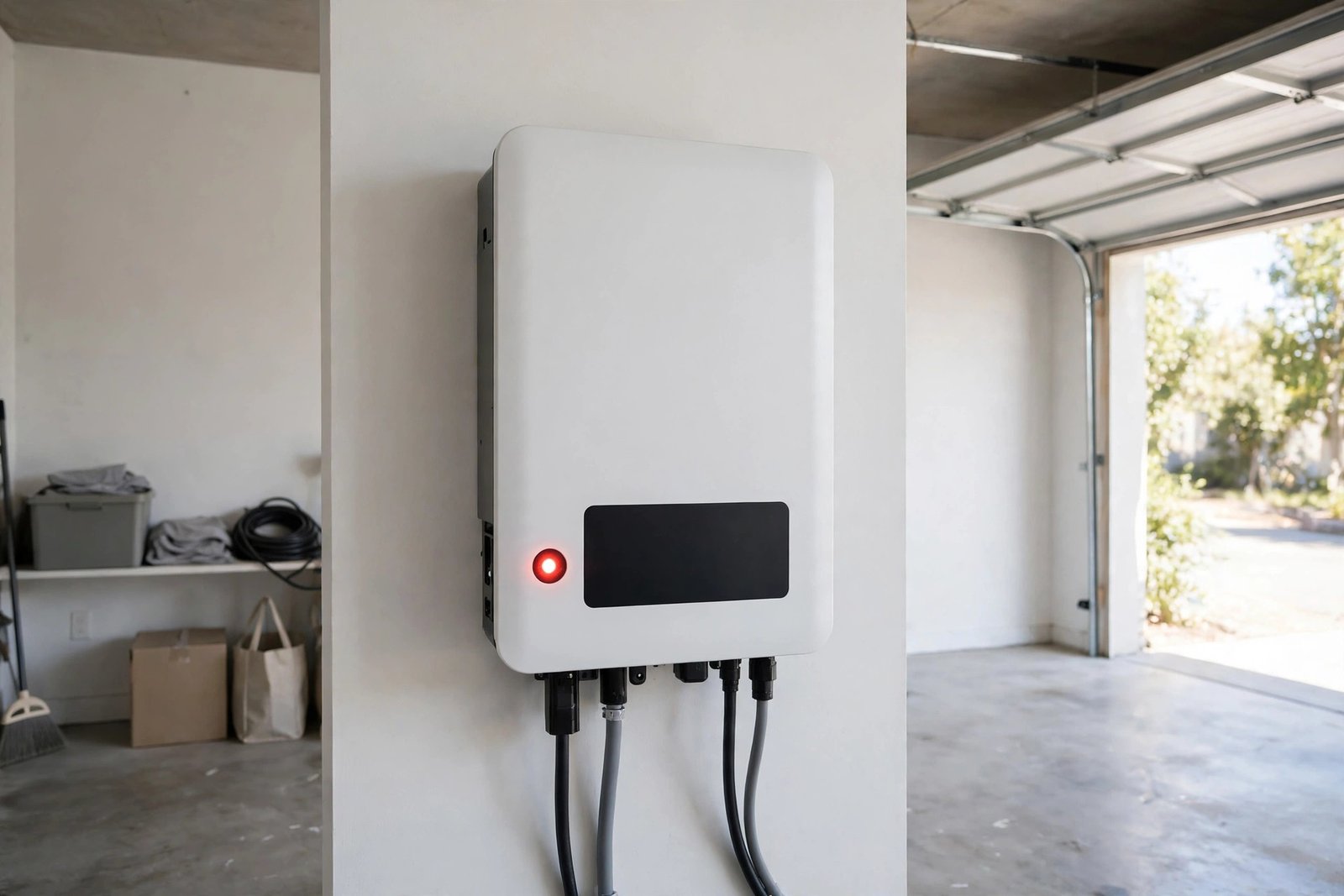
A red light on your solar inverter means the inverter has detected a fault and stopped converting solar power. The most common causes are a grid problem, an isolation or ground fault, overheating, or a DC-side issue. First, check the display for an error message and do not open the inverter or touch any wiring. Many faults are temporary and clear after a safe reset, but a red light that keeps returning needs a solar technician.
⚠ Safety Warning
Solar inverters carry high-voltage DC from your panels and mains-voltage AC from your home supply. Never open the inverter casing, touch exposed wiring, or work on the system while it is live. Always switch off the AC and DC isolators before any visual inspection, and treat the panels as live whenever there is daylight. If you see burn marks, smell burning, or find damaged cables, stop immediately and call a qualified electrician or solar technician.
What Does a Red Light on a Solar Inverter Mean?
Most modern inverters use a simple traffic-light system: green normally means running and exporting power, amber or yellow usually means starting up, in standby, or working with reduced output, and red means a fault has been detected. A red light means the inverter has shut down on purpose to protect itself, your panels, and your home.
A red light does not always mean the inverter is broken. It often means the inverter found a condition it cannot operate safely under, such as a grid problem or a DC-side issue. The exact meaning varies by brand and model, so check the error code against your inverter’s manual. Also note when the fault appeared: a red light on a hot afternoon, during a storm, or after a power cut points to different causes than one on a mild morning.
Common Causes of a Solar Inverter Red Light
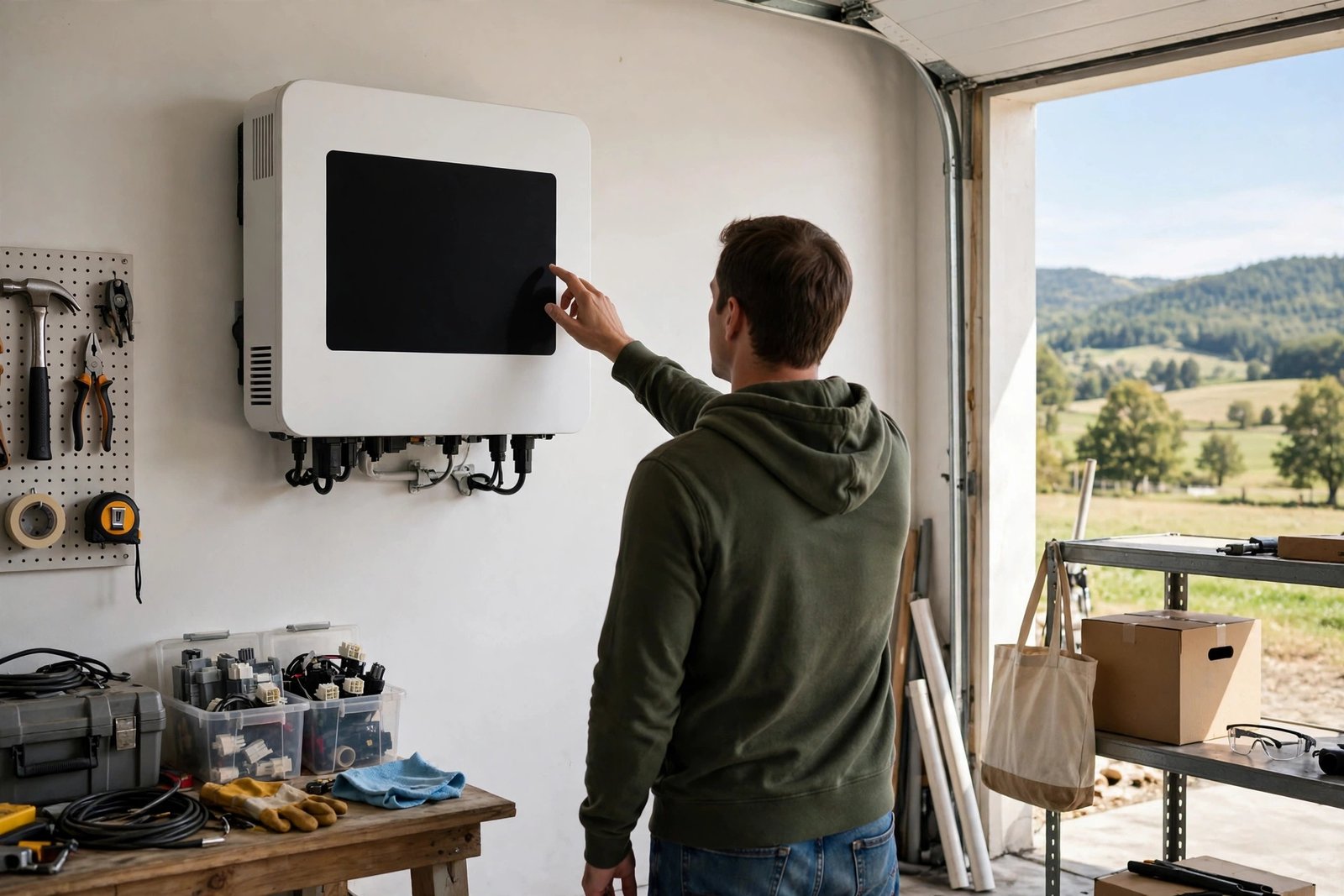
1. Grid Fault or Power Outage
The most common cause is a problem with the grid. Inverters shut down automatically when the grid supply fails or falls outside its safe range, a safety feature called anti-islanding that protects line workers during outages. Once the grid returns to normal, most inverters restart by themselves. Grid standards differ by country: US homes typically use a 120/240 volt split-phase supply, while UK homes typically use a 230 volt single-phase supply. You do not need to measure anything: the display or app will usually say “grid fault” or “no grid” if this is the cause.
2. Isolation Fault or Ground Fault
An isolation fault, sometimes called a ground fault, means the inverter has detected unwanted current leakage between the DC wiring and the earth. It can be caused by damaged panel cables, moisture in a connector or junction box, a cracked panel, or degraded insulation. Damp or rainy weather often brings it on, and it may clear as the system dries out. Always treat it seriously and never ignore a recurring isolation fault.
3. Overheating
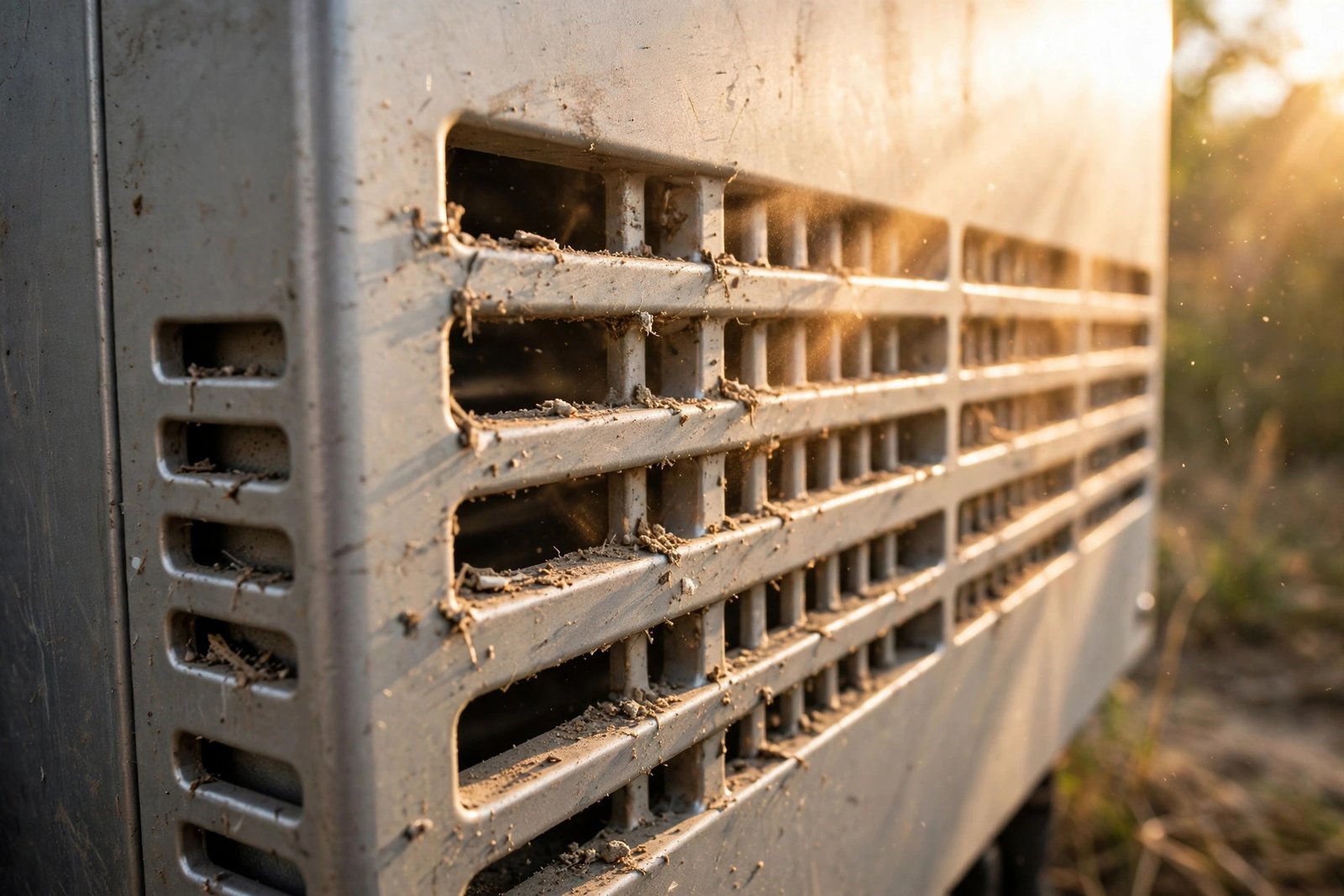
Inverters generate heat and need airflow to stay cool. On hot days, one in direct sunlight, in a poorly ventilated cupboard, or covered in dust can overheat and shut down with a red light, then restart once it cools. If the red light appears mainly on hot afternoons, overheating is a strong suspect.
4. DC-Side Problem from the Panels
The DC side includes the panels, cables, connectors, and DC isolator. A loose or corroded connector, a damaged cable, or a panel fault can push the DC voltage or current outside the range the inverter expects. This often appears after storms, high winds, or animal damage to cables, and can be intermittent.
5. Internal Inverter Fault
Sometimes the fault is inside the inverter itself, such as a failed component or a firmware problem. If the red light appears with no obvious external cause and persists after a safe reset, the inverter itself is the most likely cause. This is not something a homeowner can repair, and the unit may need warranty service or replacement.
How to Fix a Solar Inverter Red Light: Step-by-Step
Follow these steps in order. Stop at any point if you see damage, smell burning, or feel unsure, and call a professional.
- Check the display and write down the error. Look at the inverter’s screen or monitoring app. Note the exact error message or code, the time, and whether the light is solid red or flashing.
- Check whether your home has power. If the lights and sockets are also off, the grid is down and your solar system is fine. Wait for the grid to return; the inverter should restart by itself.
- Check the AC isolator and the main breaker. Make sure neither has tripped. If a breaker has tripped, reset it once; if it trips again immediately, leave it off and call an electrician.
- Check the DC isolator. This is the switch between the panels and the inverter; make sure it is ON. Never switch it while the inverter is under load, and never force a switch that feels damaged or loose.
- Check for overheating and blocked ventilation. Is the inverter very hot, in direct sun, or blocked by stored boxes? Clear any obstructions and give the unit space to breathe. Do not spray water on it and do not open it to clean the inside.
- Look for visible damage from the ground. Look for a cracked panel, a hanging cable, a connector that has come apart, or water marks near the inverter. Do not climb on the roof. If you see damage, note it and call a technician.
- Perform a safe reset. Follow your manual’s procedure exactly: switch off the AC isolator, then the DC isolator, wait at least five minutes, then switch the DC isolator back on, then the AC isolator. It can take several minutes to reconnect to the grid. If the red light returns, do not keep resetting it.
- Observe and record. If the inverter restarts and shows green, monitor it for the rest of the day. If the red light returns at the same time of day or under the same conditions, you have a pattern worth telling a technician about.
Red Light Patterns and What They Suggest
The pattern can give a useful clue, but it is never a diagnosis. Always confirm with your inverter’s manual.
| What you see | What it often suggests | What to do |
|---|---|---|
| Solid red light | A persistent fault | Note the code, try one safe reset, call a technician if it returns |
| Flashing red light | An active warning | Note the code, do not keep resetting |
| Red light after a storm | Possible DC wiring damage | Ground-level check only, then call a technician |
| Red light on hot afternoons only | Overheating | Clear vents, add shade, monitor |
| Red light in wet or damp weather | Possible isolation fault | Note the pattern, call a technician |
| Red light after a power cut | Grid fault | Wait, then check again |
If your inverter shows a red light and produces no power at all, see our guide on a solar inverter not turning on. For more on the codes your inverter can show, read our guide to common solar inverter error codes.
How to Prevent a Solar Inverter Red Light
- Keep the inverter cool and ventilated. Leave clear space around the unit and keep vents free of dust and clutter.
- Check the display weekly. A weekly look at the display or app helps you spot falling output or warnings before they become a red-light fault.
- Keep the panels clean. Dirt, leaves, and bird droppings reduce output and can create hot spots. Clean panels gently with water and a soft brush.
- Book a professional inspection once a year. A yearly check can catch loose connections, worn cables, and early damage before they cause a fault.
- Keep your manual and warranty papers together. Knowing your inverter model, error codes, and warranty terms saves time when a fault appears and makes a warranty claim easier.
When to Call a Professional
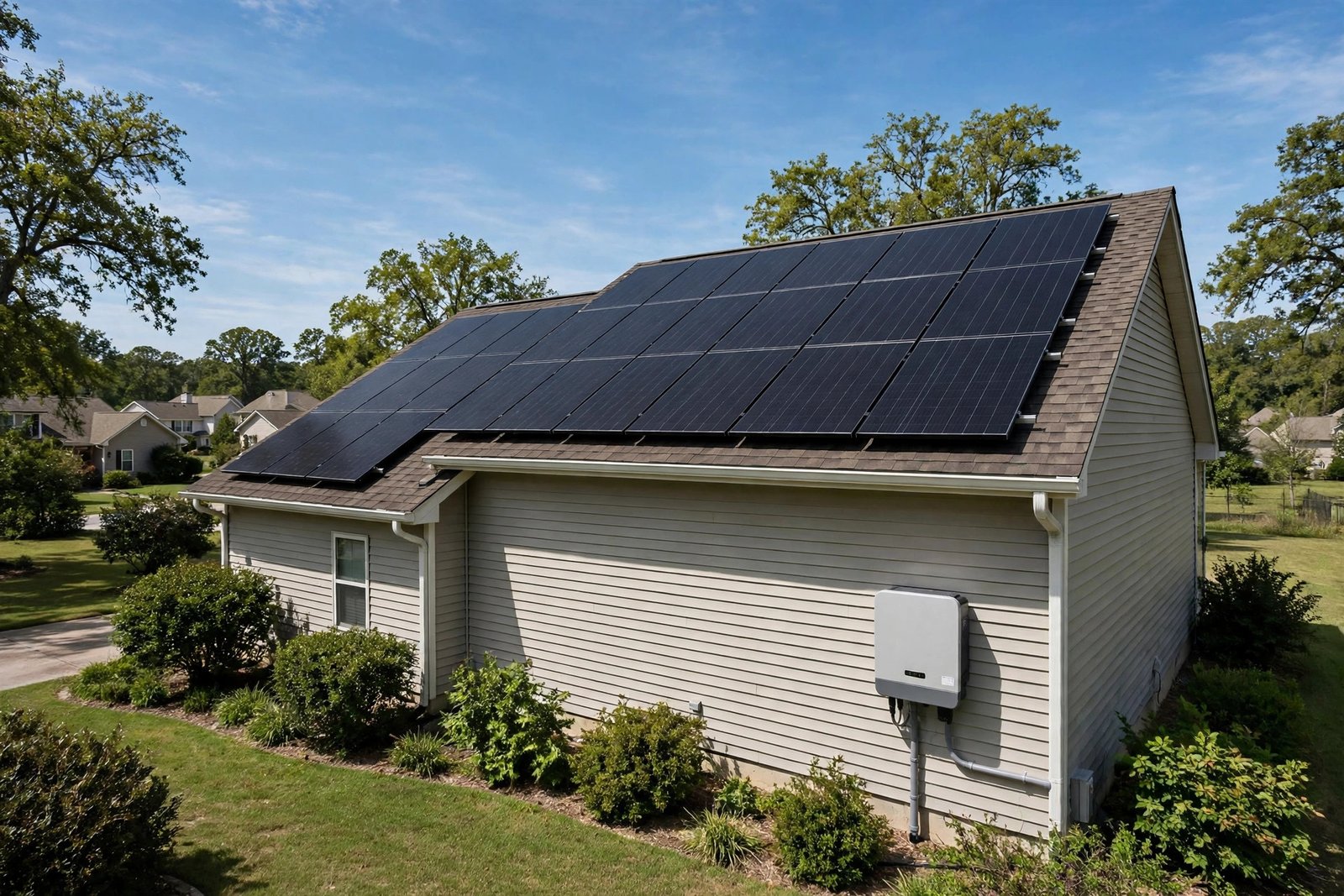
Call a qualified electrician or solar technician if any of the following apply:
- The red light returns after a safe reset, or the same fault keeps appearing.
- The display shows an isolation fault, ground fault, or an internal error code.
- You see burn marks, melted plastic, damaged cables, or a cracked panel.
- You smell burning or hear buzzing, or the inverter feels unusually hot.
- A breaker trips again immediately after you reset it.
- You are unsure about any step.
Choose a technician certified for solar work in your country: a licensed electrician with solar experience in the United States, or an MCS-certified installer in the United Kingdom. Have the error code and the time the fault started ready to share.
Never let an unqualified person open the inverter or work on the wiring: it is dangerous and can void your warranty. If it is still under warranty, contact your installer or manufacturer first, because warranty service is often free.
Frequently Asked Questions
What does a red light on a solar inverter mean?
A red light means the inverter has detected a fault and stopped converting solar power. Common causes include a grid fault, an isolation fault, or overheating. The exact meaning depends on your model, so check the error code against your manual.
Can I reset my solar inverter myself?
Yes. Switch off the AC isolator, then the DC isolator, wait at least five minutes, and switch them back on in the reverse order, following your manual. If the red light returns after one reset, do not keep resetting it. Call a technician.
Why does my solar inverter show a red light on a sunny day?
It often points to overheating, a grid fault, or a DC-side issue. Inverters work hardest on bright days, so heat and high output can expose a ventilation problem or a weak connection. Check the display for an error code and note the time.
Is a red light on my inverter dangerous?
A red light itself is not dangerous; it is a protective shutdown. What can be dangerous is the underlying fault, especially an isolation fault or damaged wiring. Never open the inverter or touch the wiring.
How long should I wait after resetting my inverter?
Wait at least five minutes with both isolators off, then allow several more minutes for the inverter to reconnect to the grid. If it does not restart, or the red light returns, leave it and contact a technician.
Conclusion
A red light on your solar inverter is a warning, not a verdict. Often the cause is a temporary grid problem or an overheated unit, and a check of the display, isolators, and ventilation, followed by one safe reset, is enough to get the system running again. Note the error code, and call a qualified technician when the fault returns or involves wiring, damage, or an isolation fault.
Pingback: Solar Inverter Not Turning On? 7 Common Causes and How to Fix Them – Solar Fixing Guide
Pingback: Understanding Common Solar Inverter Error Codes (Isolation Fault, Grid Overvoltage & More) – Solar Fixing Guide