
Quick answer: A tripped BMS (Battery Management System) is your lithium battery’s safety switch cutting the power to protect the cells. It usually trips because the battery was discharged too deeply, charged too far, overloaded, short-circuited, or got too hot or too cold. The battery then looks dead — it reads 0 volts and will not charge or discharge. In many cases you can wake it up by charging it through the solar system, jump-starting it with a second battery of the same voltage, or using a charger with a wake-up mode. Never bypass the BMS, open the battery, or force-charge a swollen, hot, or damaged battery — that is a job for a qualified technician.
Table of Contents
- Safety First
- What a BMS Is — and Why It Trips
- How to Tell the BMS Has Tripped
- Before You Try to Wake It Up
- Method 1: Charge It Back Through the Solar System
- Method 2: Jump-Start It with a Second Battery
- Method 3: Use a Charger with a Wake-Up Mode
- Method 4: Reset the BMS
- What NOT to Do with a Locked Battery
- How to Stop the BMS Tripping Again
- When to Call a Professional
- FAQs
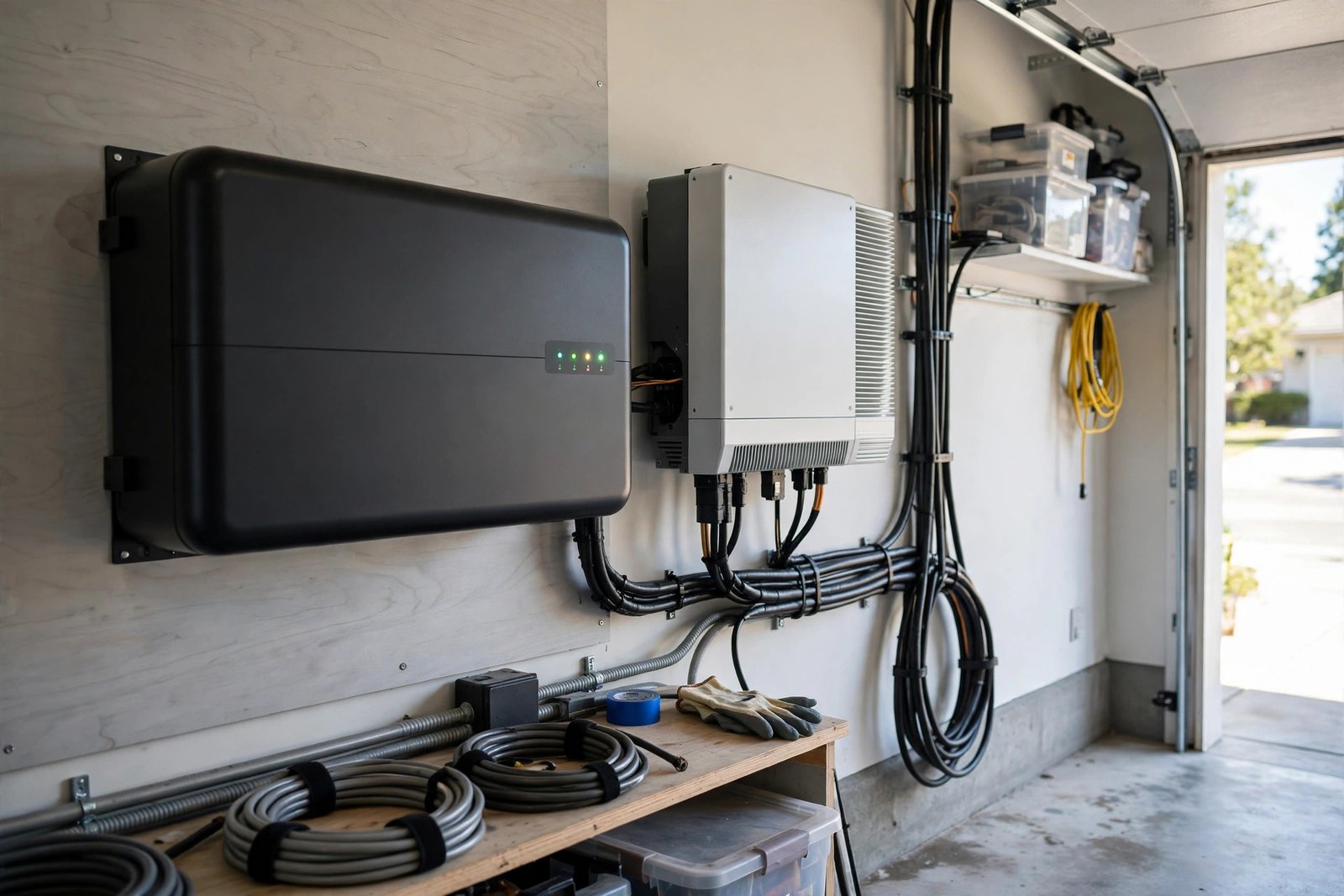
Safety First
- Never open a lithium battery. The cells inside store a lot of energy, and opening the case can cause a fire, release toxic fumes, and void the warranty.
- Do not bypass the BMS. Connecting a charger or load directly to the cells removes the only protection the battery has. A lithium battery charged without a BMS can overheat and catch fire.
- Stop if the battery looks damaged. A swollen or cracked case, leaking liquid, a burning smell, or a battery that is hot to the touch means: switch the system off if safe to do so, ventilate the area, and call a professional. Do not try to wake it up.
- Switch off before touching terminals. Turn off the inverter and isolate the solar input before inspecting battery cables or connections. Wear eye protection and insulated gloves, and keep metal tools away from the terminals — a short across a lithium battery can melt a spanner in seconds.
What a BMS Is — and Why It Trips
Every lithium solar battery has a Battery Management System built in or attached to it. The BMS is a small electronic board that watches every cell inside the battery — each cell’s voltage, the current going in and out, and the temperature — and it can disconnect the battery from the rest of the system in a fraction of a second when something goes outside safe limits.
Think of it as a circuit breaker for the battery. A lithium battery without a BMS can be destroyed by a single deep discharge or overcharge — or worse, become a fire risk. When the BMS trips, the battery disconnects itself and reads 0 volts at its terminals, even though the cells inside may still hold some charge. The most common reasons it trips are:
- Deep discharge. The battery was drained below its safe minimum — a long run of cloudy days, a heavy load left on overnight, or an inverter that kept drawing power after the battery was empty. This is the most common cause of a locked battery.
- Overcharge. The charging voltage went too high, often because the charge controller or inverter was set to the wrong battery type or voltage.
- Overcurrent or short circuit. Too much current was drawn at once — a large load starting up, or a short in the wiring.
- Temperature extremes. Many BMS units block charging below freezing and block discharging at high temperatures. A battery in an unheated shed in winter can trip simply because it is too cold.
- Cell imbalance. Over time, one cell in the pack can drift lower or higher than the others. When a single cell hits its limit, the BMS shuts the whole battery down even though the total voltage looks normal.
- Communication fault. In systems where the battery talks to the inverter, a broken communication cable or a settings mismatch can make the inverter report a battery fault and refuse to charge.
A tripped BMS is a symptom, not the disease. Waking the battery up without fixing the cause will usually just trip it again.
How to Tell the BMS Has Tripped
A locked battery can look like a dead battery, a dead inverter, or a dead charge controller, so it is worth confirming the BMS is the problem before you do anything else.
| What you see | What it usually means |
|---|---|
| Battery terminals read 0 volts (or near 0) on a multimeter | BMS has disconnected the cells — the classic sign of a trip |
| Inverter shows a battery fault, “no battery”, or an inverter red light | The inverter cannot see the battery because the BMS has cut it off |
| Charge controller flashing an error, or showing no battery connected | The controller has nothing to charge — see our guide on a charge controller flashing an error |
| Battery status lights are off, or a single red fault light is on | BMS is in protection mode — check the manual for the exact meaning |
| Battery is swollen, hot, leaking, or smells strange | Cell damage — do NOT try to wake it up; call a professional |
If the battery reads 0 volts but the case looks and feels normal, a tripped BMS is the most likely explanation. If it reads a normal voltage and still will not work, the fault is more likely in the inverter settings, the communication cable, or the charge controller — see our guide to a battery not charging properly.
Before You Try to Wake It Up
Five minutes of checks first will save you from waking a battery that should not be woken — and from tripping it again straight away.
- Inspect the battery. Look and feel for swelling, cracks, leaks, heat, or a strange smell. Any of these means stop — do not attempt a wake-up.
- Find the cause. Was there a long cloudy spell, a big load left running, or a recent settings change? If your battery is draining overnight, fix the drain first, or the BMS will trip again the next night.
- Check the temperature. If the battery is below freezing, warm the room up or wait for a warmer day — most lithium batteries refuse to charge below about 0°C, and forcing a charge in freezing conditions can permanently damage the cells.
- Check the wiring and fuses. Switch the system off, then look for loose battery terminals, a tripped breaker, or a blown fuse between the battery and the inverter. A loose terminal can look exactly like a tripped BMS.
- Read the manual. Battery makers differ: some have a reset button, some wake up automatically when charging voltage is applied, and some need a specific charger. The manual also tells you whether your battery is 12V, 24V, or 48V, which you will need for the methods below.
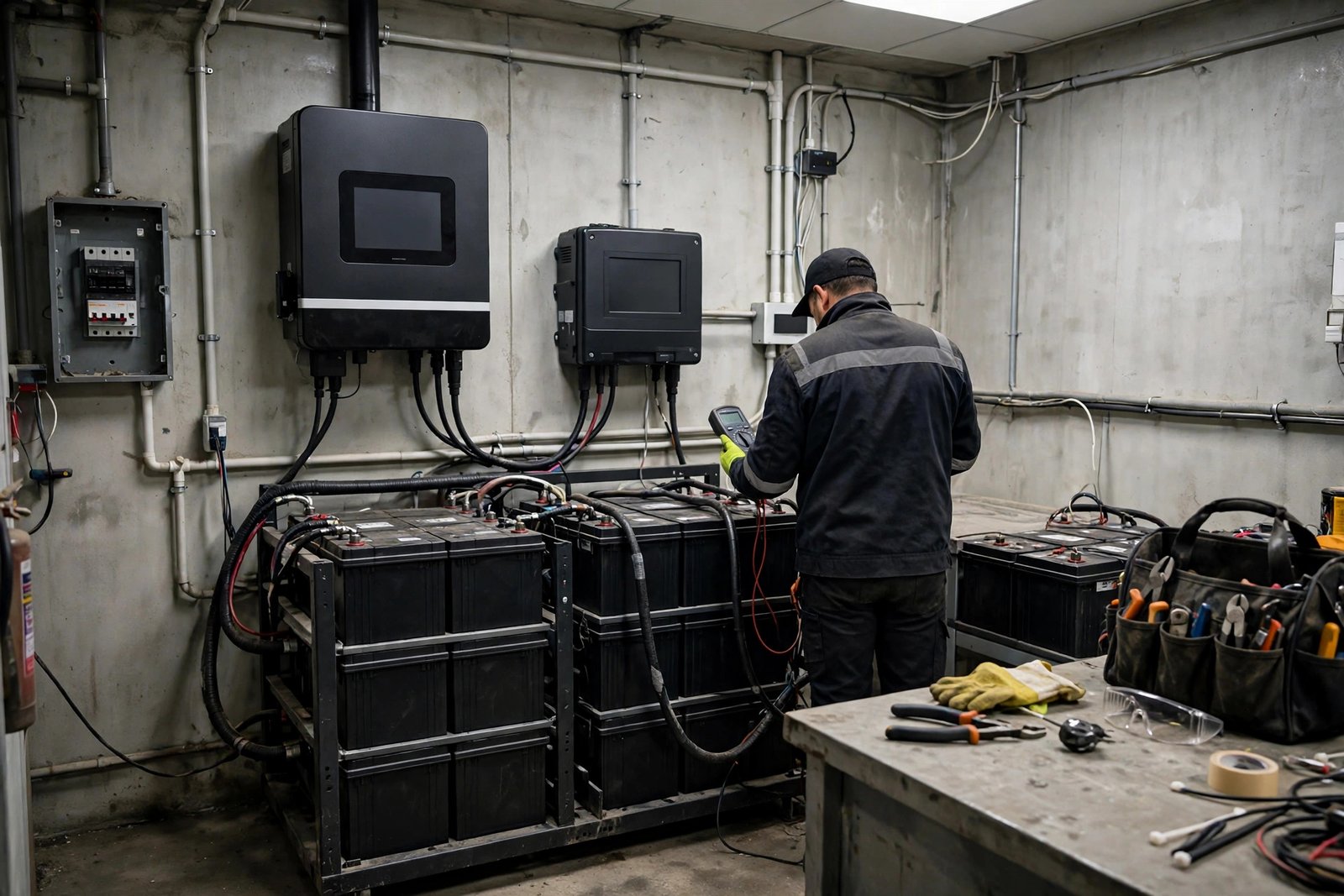
Method 1: Charge It Back Through the Solar System
This is the simplest method, and it works on many batteries: the BMS wakes up automatically as soon as it sees charging voltage at its terminals.
- Make sure the sun is shining on the panels, or that the grid charger is available if your inverter charges from the grid.
- Check the charge controller settings match your battery type — a lithium battery charged with lead-acid settings may be charged at the wrong voltage.
- Switch the inverter off so no load is drawing power while the battery wakes up, and leave the solar input connected. The charge controller will apply voltage to the battery terminals. On many BMS designs, this alone is enough to wake the BMS, and charging starts within a few minutes.
- Wait 15–30 minutes and watch the battery’s status lights or the monitoring app. If the battery starts accepting charge and the voltage climbs, the wake-up worked. Leave it charging until it reaches a healthy level before switching the inverter back on.
- If nothing happens after 30 minutes in good sun, the BMS needs a stronger wake-up — try Method 2 or 3.
On some batteries this fails because the charge controller itself refuses to start when it sees 0 volts — it thinks no battery is connected. That is a safety feature, not a fault, and it is why the next two methods exist.
Method 2: Jump-Start It with a Second Battery
If the charge controller will not start because it sees 0 volts, you can wake the BMS by briefly connecting a second, healthy battery of the same voltage in parallel. The healthy battery supplies a small voltage that wakes the BMS, which then reconnects the cells.
- Use a second battery of the SAME voltage — 12V to 12V, 24V to 24V, 48V to 48V. Never mix voltages, and ideally use the same chemistry (lithium to lithium).
- Switch the whole system off — inverter off, solar isolator open, charge controller off.
- Connect positive to positive and negative to negative with suitable cables, keeping the connection brief and secure. Use insulated gloves and eye protection.
- Hold the connection for 30–60 seconds. Watch for the locked battery’s status lights to come on, or check the terminal voltage with a multimeter — it should jump from 0 volts to near the battery’s normal voltage.
- Disconnect the second battery as soon as the locked battery shows voltage, then reconnect it to the system and charge it fully from the solar panels or grid charger before putting loads back on. A battery woken from a deep discharge needs a full, gentle charge to rebalance its cells.
If the voltage drops back to 0 as soon as you disconnect the second battery, the BMS is tripping again immediately — the cells may be too deeply discharged to recover, or there is an internal fault. Do not repeat the jump-start; call a technician.
Method 3: Use a Charger with a Wake-Up Mode
Some mains battery chargers — and some solar charge controllers — have a lithium wake-up or activation mode that applies a small, controlled current to a 0-volt battery to bring it back. This is the safest method if you have the right charger, because the current is limited and controlled.
- Check your charger supports lithium wake-up. Look for a “lithium activation”, “0V charging”, or “wake-up” mode in the manual. A standard lead-acid charger without this mode will usually refuse to charge a 0-volt battery — and a lead-acid charging profile can damage a lithium battery, so do not use one.
- Disconnect the battery from the system — inverter off, solar isolated — and connect the charger directly to the battery terminals, positive to positive and negative to negative.
- Select the correct lithium mode (LiFePO4 if that is your battery type) and start the charger. Wait a few minutes for the BMS to wake — the charger’s display or lights should show current starting to flow.
- Charge until the battery reaches a normal voltage (roughly the level shown in the battery’s manual for a partly charged state), then reconnect it to the system and let the solar charge controller finish the charge.
If you do not own a charger with a wake-up mode, do not buy one just for this — a local solar installer or battery supplier will usually wake a battery up for a small fee and test whether the cells are still healthy.
Method 4: Reset the BMS
Some batteries have a built-in reset, and it costs nothing to try it first — it may be all your battery needs.
- Reset button. Many lithium batteries have a small button on the case, sometimes labelled “reset”. Press and hold it for the time given in the manual (often 3–10 seconds) and watch the status lights.
- Power cycle. Switch the battery’s own isolator or breaker off, wait 60 seconds, and switch it back on. On some models this clears a latched protection state.
- BMS app or display. Some batteries connect to a phone app over Bluetooth, or have a display with a “reset protection” or “clear fault” option. Use it only as the manual describes.
- Disconnect and reconnect. With the system switched off, disconnect the battery cables, wait a minute, and reconnect them. This can wake a BMS that tripped on a one-off event such as a short power surge.
If a reset works but the BMS trips again within hours or days, the underlying cause is still there — a failing cell, a wrong charge setting, or a load that is too large. Note how quickly it trips again and tell the technician.
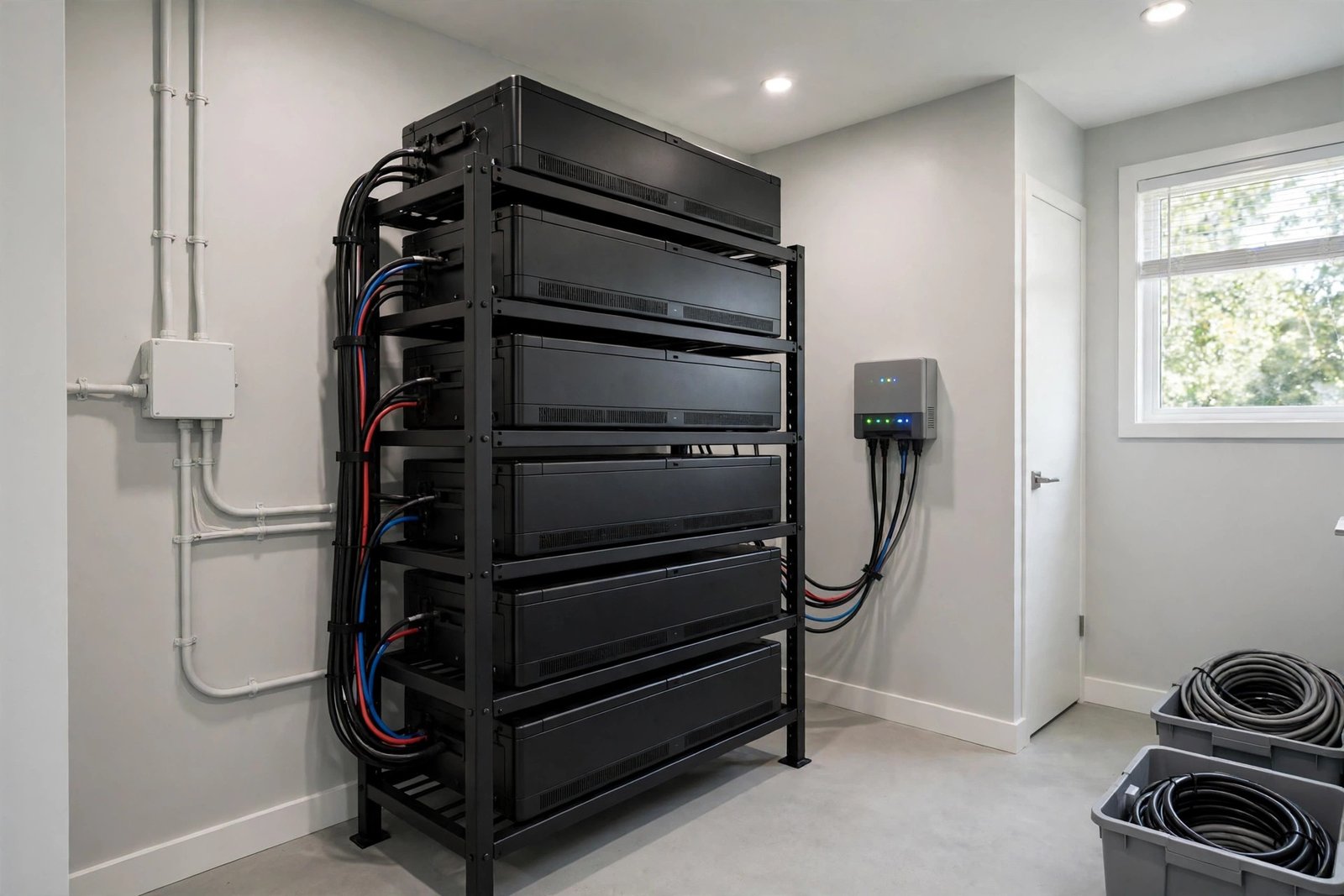
What NOT to Do with a Locked Battery
- Do not bypass the BMS by connecting a charger or load directly to the cells. This is the single most dangerous thing you can do to a lithium battery.
- Do not use a car jump starter or a high-current charger on a lithium battery unless the battery’s manual specifically allows it. The sudden current can damage the cells or trip the BMS harder.
- Do not charge a frozen battery. Below freezing, charging can cause permanent internal damage. Warm the battery above 0°C first.
- Do not keep resetting a BMS that trips immediately. Repeated trips mean a real fault — a shorted cell, a damaged BMS, or a wiring short. Each reset attempt stresses the battery further.
- Do not leave a woken battery charging unattended the first time. Stay nearby and check it is not getting hot and the voltage rises steadily. If it gets hot, swells, or smells, switch off and call a professional.
- Do not assume the battery is fine just because it woke up. A deep discharge shortens a lithium battery’s life. Ask a technician to check the cell balance and capacity, especially if it has tripped more than once.
How to Stop the BMS Tripping Again
- Set a sensible low-voltage cut-off. Your inverter should stop discharging the battery well above its minimum — the battery manual gives the recommended cut-off voltage. A higher cut-off leaves a safety margin on cloudy days.
- Match the charge settings to the battery. Confirm the charge controller and inverter are set to the correct battery type and charging voltage. A wrong setting is one of the most common causes of overcharge trips and chronic undercharging.
- Do not overload the battery. Check the battery’s maximum discharge current and make sure large loads — kettles, air conditioners, power tools — do not exceed it.
- Keep the battery warm in winter and cool in summer. Insulate the battery area in cold climates, keep it out of direct sun and away from heat sources, and make sure air can circulate around it.
- Charge fully on a regular basis. Lithium batteries balance their cells at the top of the charge. A battery kept half-charged for weeks can drift out of balance and trip on a single weak cell.
- Inspect twice a year. Check terminals for tightness and corrosion, look for damaged cables, and check the monitoring app for any cell that reads much lower than the rest.
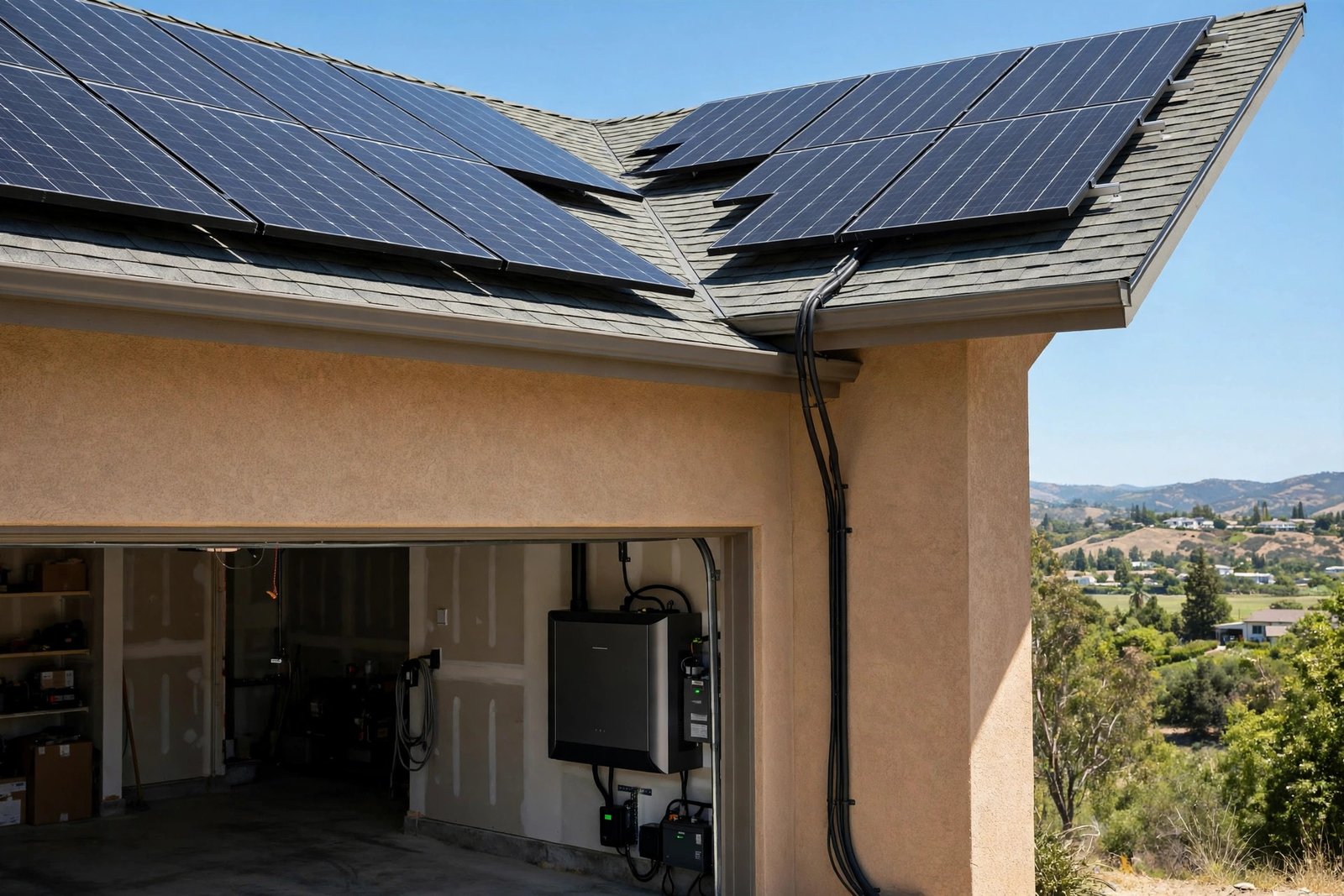
When to Call a Professional
Call a qualified solar technician or electrician if any of these apply:
- The battery is swollen, hot, leaking, cracked, or smells strange — do not attempt a wake-up.
- The BMS trips again immediately after a successful wake-up, or trips repeatedly within days.
- None of the four methods above wakes the battery, or the terminal voltage stays at 0 volts.
- You suspect a short circuit, damaged wiring, or a faulty charge controller or inverter.
- The battery is still under warranty — opening it, bypassing the BMS, or using an unapproved charger can void the warranty. Contact the installer or manufacturer first.
- You are not confident working around the battery, or you do not have the right tools and safety gear.
A technician can read the BMS data directly, check each cell’s voltage, test the battery’s capacity, and tell you whether the battery is recoverable or needs replacing. Get the diagnosis first, because a wrong charge setting or a faulty inverter can kill a brand-new battery the same way.
FAQs
Why did my solar battery BMS trip?
Most often it is a deep discharge — the battery was drained below its safe minimum, often after cloudy days or heavy overnight use. Other common causes are overcharging from a wrong charge setting, overcurrent from a load that is too large, a short circuit, or temperatures that are too hot or too cold.
Can a locked lithium battery be revived?
Often, yes — if the cells are healthy and the BMS tripped on a one-off event such as a deep discharge. Charging through the solar system, jump-starting with a second battery of the same voltage, or using a charger with a wake-up mode will revive many locked batteries. If the cells are damaged, or the BMS trips again immediately, it may not be recoverable.
Why does my solar battery read 0 volts?
When the BMS trips, it disconnects the cells from the terminals, so a multimeter reads 0 volts even though the cells inside may still hold charge. It can also mean a blown fuse, a tripped breaker, or a failed battery — so check the fuses and wiring before assuming the BMS has tripped.
How do I reset a solar battery BMS?
Try the reset button on the battery case, power-cycle the battery’s isolator, use the battery’s phone app if it has one, or disconnect and reconnect the battery cables with the system switched off. If none of these work, try one of the charging wake-up methods above.
Will a tripped BMS damage my solar battery?
A single trip does not usually cause damage — the BMS tripped precisely to prevent damage. What damages a battery is the event behind the trip, especially a very deep discharge or charging in freezing conditions, and repeated trips. If your battery has tripped more than once, have a technician check the cells and settings.
A tripped BMS is your battery protecting itself, not failing. In most cases the cause is simple — a deep discharge, a wrong setting, or a one-off overload — and one of the four wake-up methods above will bring the battery back. Find and fix the cause, charge the battery fully, and keep an eye on it for the next few days. If it will not wake up, trips again straight away, or shows any sign of damage, stop and let a qualified solar technician take over.